

How to take Vinted photos that sell faster? 🚀
The number one secret to clear your wardrobe fast? Professional photos. Discover how to shoot like an influencer (without the kit).
A Vinted seller for years, she puts every Vendy Studio feature through real conditions, on her own listings. It's not the perfect photo that sells, it's the one that stops the thumb.
In this guide
We've all been there: you post a gem (that near-new Sézane dress 👗), a fair price... and nothing. Radio silence.
Meanwhile, another Vinty sells her slightly crumpled old t-shirt in 10 minutes. Frustrating, right?
The problem isn't your price. It's not your item either. It's your photo.
On Vinted, people buy with their eyes. A dark photo, slightly yellowed or taken on a cluttered bed, sends an unconscious message: "This item hasn't been looked after". Result? The buyer scrolls straight past.
The photo mistake that kills sales
The evening photo taken under ceiling lights 💡. It creates a horrible yellow tint and makes your garment look 10 years older. Avoid it at all costs!
The Photo: The Ultimate Selling Weapon
Look no further. What makes the buyer click isn't your description (which they'll only read afterwards), or your price (which they'll negotiate anyway). It's your photo.
A professional photo acts like a magnet. It instantly reassures buyers about the condition of the garment and makes them want to wear it. It's the difference between a "meh" and a "love at first sight".
The 3 golden rules of a photo that sells:- Sharpness above all: You need to be able to see the texture, the stitching, the details. No artistic blur here!
- Framing: Centre your item. It should be the star, not your plant in the background.
- Accuracy: The colour must be true (which is why lighting matters, but we'll come back to that).
Two simple habits before you shoot: clean your phone's lens (a fingerprint smear is enough to blur the whole shot) and iron or steam the garment — a stray crease shows up instantly in the photo.
The VendyStudio Revolution: An optimised photo, every time 📸
You're not a professional photographer? We've got you covered.
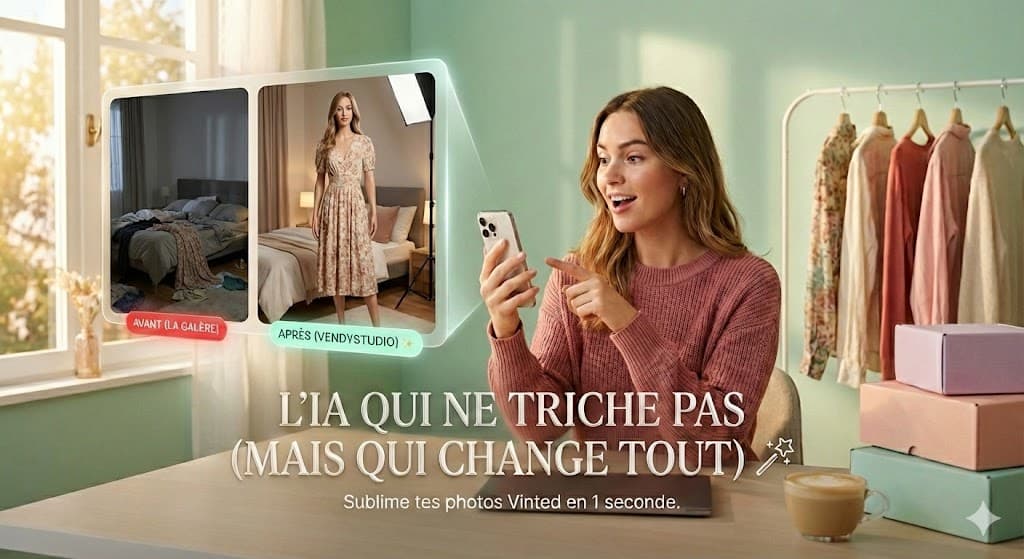
VendyStudio doesn't just remove the background. Our AI rebuilds a fashion-magazine-worthy photo from your hastily-taken snap on your bed.
🤖 The result? A bright, sharp photo on a clean background or modelled by a virtual mannequin. Discover VendyStudio's virtual mannequin in action. Your old dark photo becomes your best seller, instantly.
Lighting: Your Best Free Asset
If you could only take one thing from this guide, it would be this: lighting accounts for 80% of a photo's quality. And the best lighting is free. Position yourself near a window, in daylight, without direct sunlight: direct sun creates harsh shadows, while soft, diffused window light reveals true colours and fabric textures.
| Light source | Result on the photo |
|---|---|
| Phone flash | Flattened colours, reflections, ID-photo look |
| Yellow ceiling light | Yellow tint, white looks cream |
| Direct sunlight | Harsh shadows, blown areas, excessive contrast |
| Window light (indirect) | True colours, crisp textures, natural result |
| Daylight LED (~5000K) | Good evening workaround, neutral and even |
The white sheet test
Place a white sheet in your scene. If it looks white on screen, your lighting is good. If it pulls yellow or blue, change source or move closer to a window. An AI retouch can fix a mild cast, but a good base is always better.
The Background: Make Your Garment Desirable
Would you buy a jumper placed next to a cat litter tray? Probably not. (Even if the cat is cute 😺).
A neutral background increases the perceived value of your item. In short: clean background = looks like a shop = you can charge more.
Why not just use ChatGPT or Vintylook?
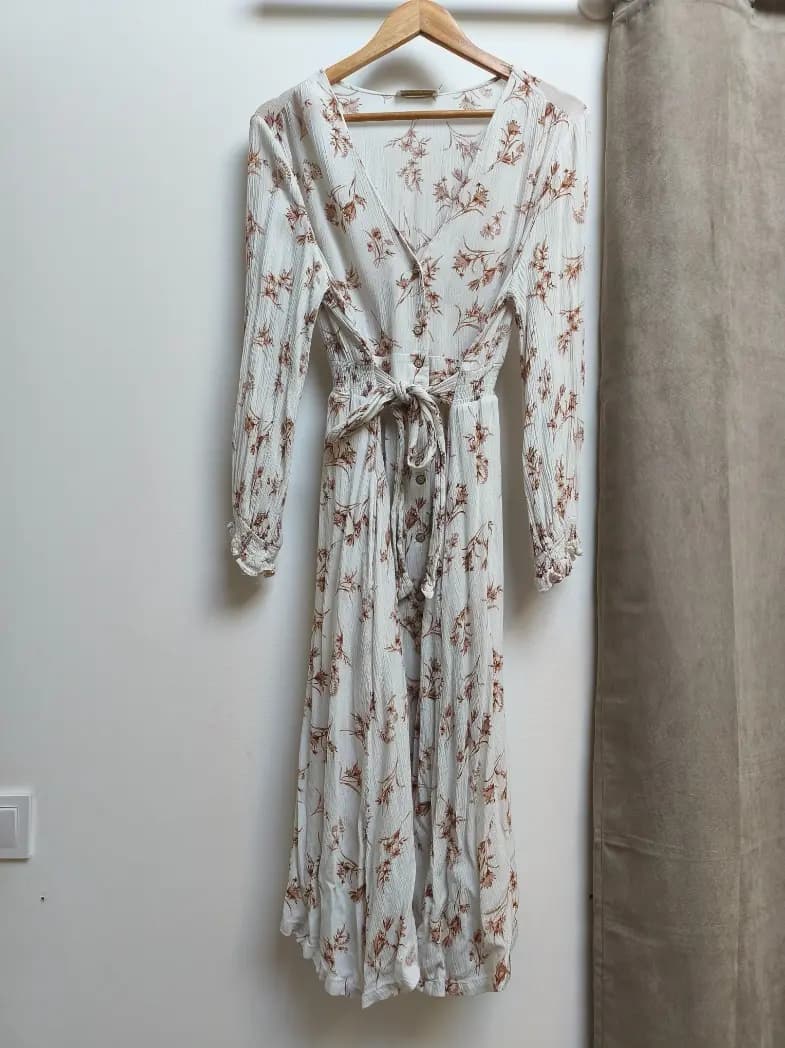
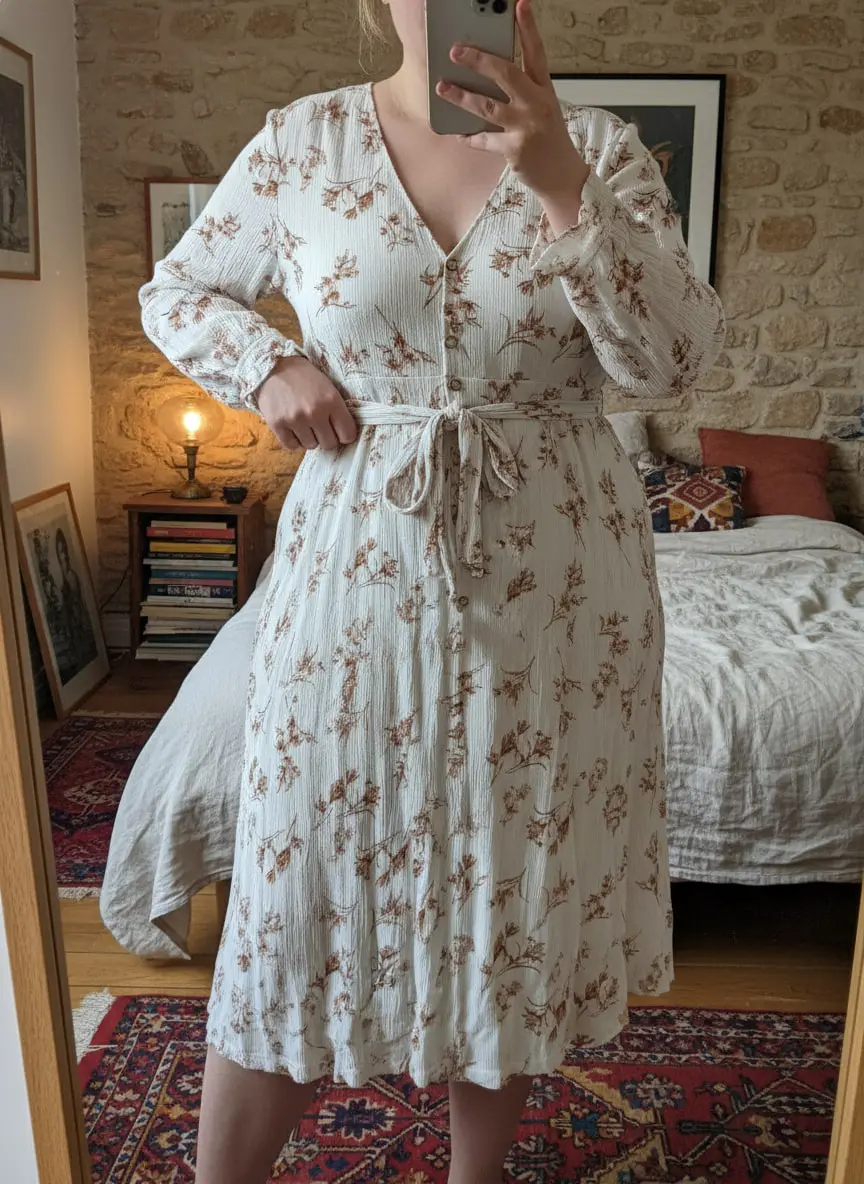
Because they're not designed for it. ChatGPT is a multi-purpose tool — generating clothing photos isn't what it's built for. Result: your garment looks flat and fake.
To rank on Vinted, you need realism. VendyStudio is trained for exactly that — it preserves the folds, texture, small flaws and contact shadows, while replacing the clutter behind with a clean, chic background and adding a fictional human model.
The Styling: Hanger or On Model?
Both work! What matters is showing off the cut, texture and drape.
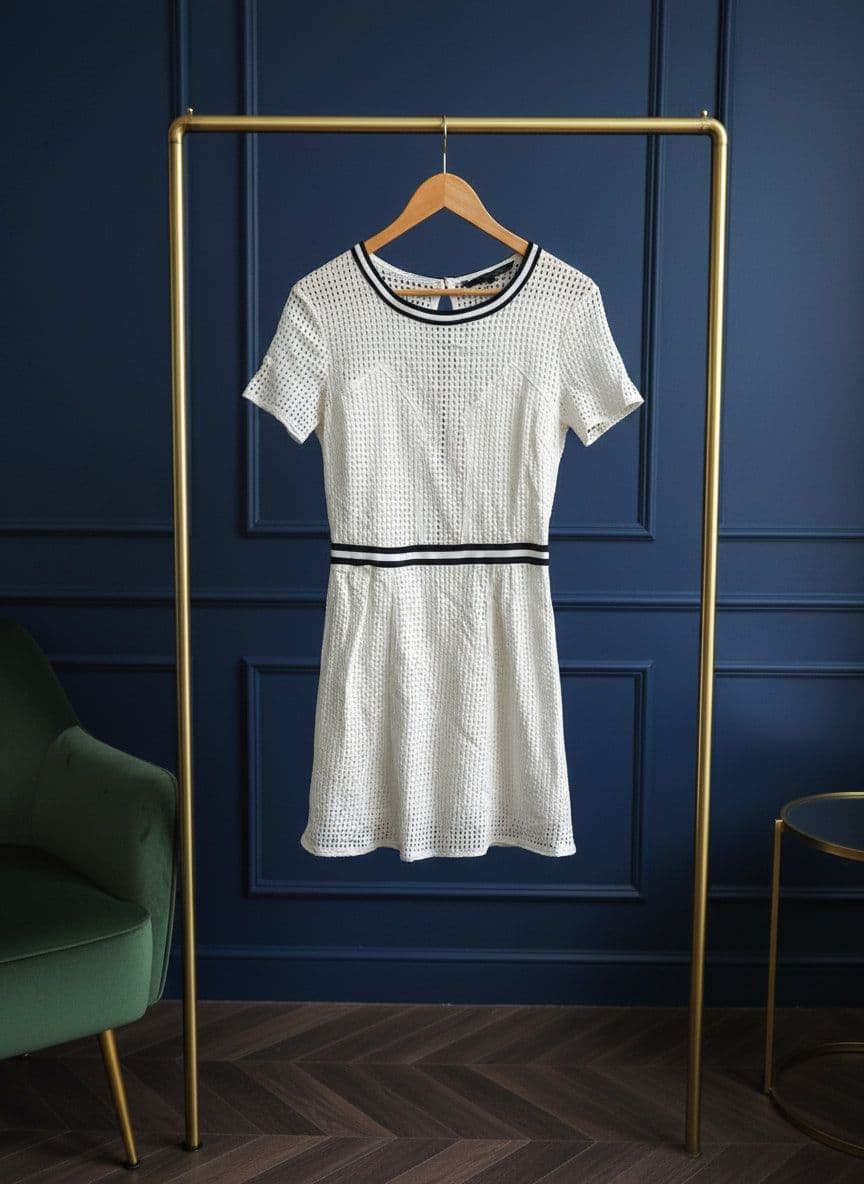
- 🧥 On a hanger: Great for coats, jackets, sweatshirts... Use a nice wooden hanger (you can find them at Action for around €2!) and a clothing rail. Avoid thin dry-cleaning hangers that distort the shoulders. Or use our hanger mode — perfectly built for this.
- 👖 Modelled by a fictional model: Perfect for statement pieces, dresses, skirts, jeans, jumpers, t-shirts. Lay the item on a clean flat surface (a table or a clean floor).
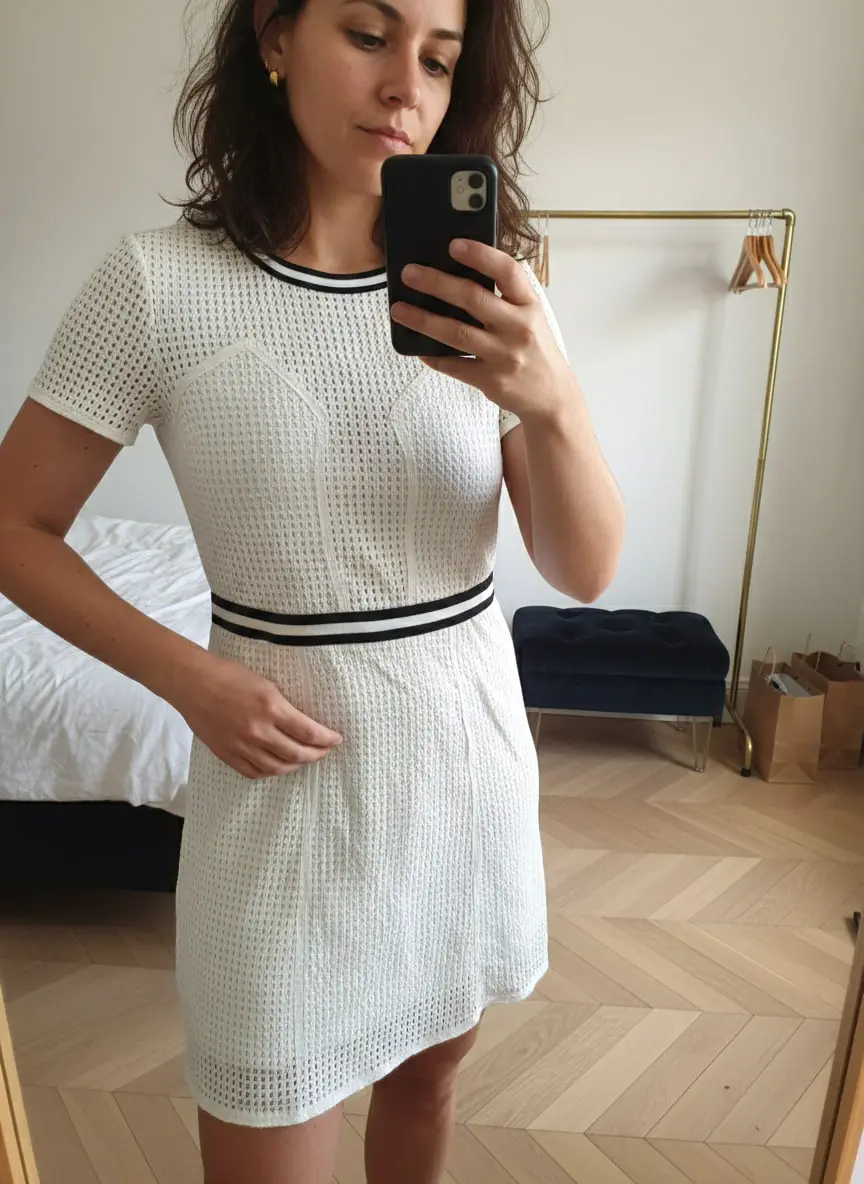
The Perfect Vinted Photo Checklist ✅
8 Mistakes That Kill Your Vinted Photos
Here are the mistakes we see most often on listings that aren't selling. Fix them and you'll see the difference.
- Creased garment — the number one mistake, giving an impression of neglect
- Photo too dark or yellow — poor lighting, false colours
- Busy background — unmade bed, cluttered floor that distracts the eye
- Flash on — reflections, flattened colours, ID-photo look
- Crooked framing — garment tilted or tiny in the shot
- No detail photos — no labels, no close-ups, the buyer doubts
- Hidden flaws — risky and forbidden: show them honestly, it reassures
- Only one photo — too little information, the buyer moves on
- Creased garment thrown on the bed
- Dark or yellow photo (artificial lighting)
- Busy background: floor, laundry, objects around it
- Crooked framing, tiny garment in the shot
- Flash that crushes the real colour
- Ironed garment, well presented
- Natural light, true colours
- Neutral, plain background, consistent throughout
- Vertical framing tight on the item
- Sharp result that inspires trust
Ready to clear your wardrobe in record time?
Try magic retouching
Stop wasting 20 minutes removing backgrounds. Take the photo, VendyStudio handles the lighting, background and retouching in 3 seconds. 🎁 3 free photos with no card needed.
FAQ: Vinted Photo Guide
Learn More 📚
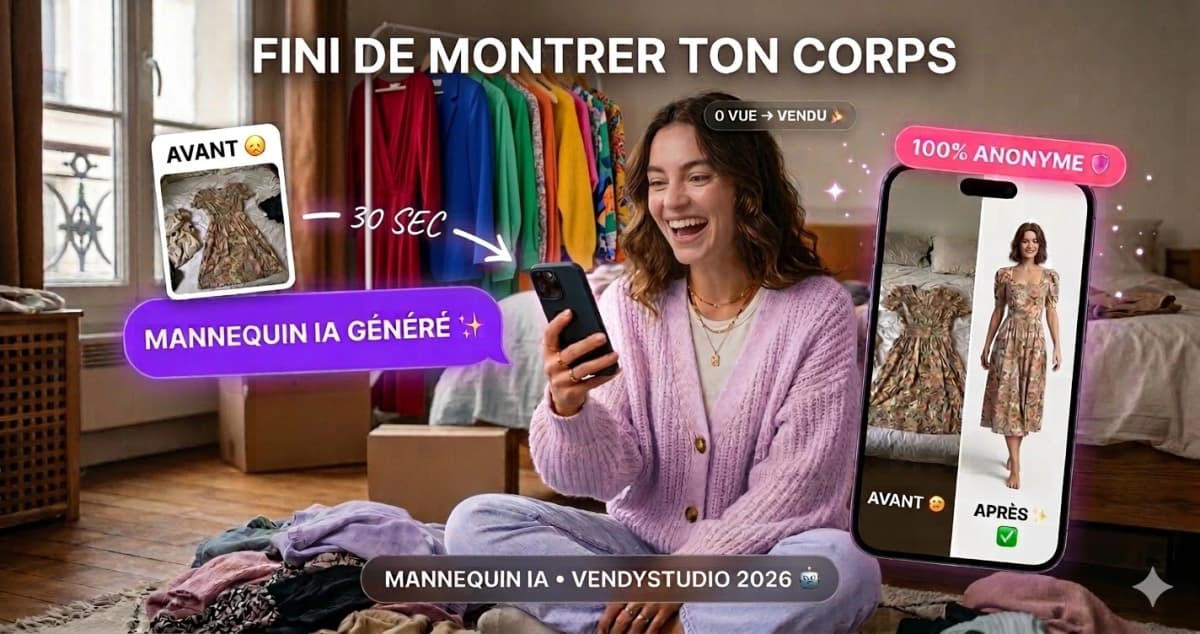
Vinted Modelled Photos by AI:
I tested generalist AIs for my Vinted photos. Straight verdict, a 5-minute method and a secure alternative. 2026 guide by the VendyStudio team.
Read the article
Why I'm No Longer Selling on Vinted?
Shadowban? Unexplained drop in views? Discover the REAL Vinted algorithm criteria and top sellers' hacks to boost your visibility.
Read the article
Vinted Scams 2026:
Buyer & seller protection. Discover the most common scams, our security checklist and how to protect yourself effectively on Vinted.
Read the articleManon
Vinted Seller, Vendy Studio
A Vinted seller for years, she puts every Vendy Studio feature through real conditions, on her own listings. It's not the perfect photo that sells, it's the one that stops the thumb.
⚖️ Legal Information & Transparency
Independence: VendyStudio is an independent service. We are not affiliated with Vinted, Beebs, Depop or any other resale platform mentioned in this article.
Results: Performance figures mentioned are based on user feedback and internal research (January 2026). Results may vary.
Responsibility: Always check your platform's terms and conditions before publishing. You are responsible for the content you publish.
Moderation: Platform moderation systems are opaque and may change. VendyStudio cannot guarantee that your photos will be accepted by moderators.
Ready to clear your wardrobe in record time?
🎁 3 free photos with no card needed.
Stop wasting 20 minutes removing backgrounds. Take the photo, VendyStudio handles the lighting, background and retouching in 3 seconds.