

Top 5 AI Tools to Enhance Your Vinted Photos 📸
Complete comparison of the best AI tools to transform your smartphone photos into professional-quality images. With before and after demos.
Nous développons des outils IA pour optimiser vos photos de vêtements.

In this guide
Why AI Is Revolutionising Vinted Photography
In 2026, according to market trends, a majority of high-performing sellers use an AI tool for their photos.
(observation from our community)
It's no longer an advantage—it's a necessity.Up to 3x
more views
with AI-optimised photos (user feedback)
24h
average selling time
for optimised listings (vs 7 days)
3
free credits
upon VendyStudio sign-up
AI allows you to:
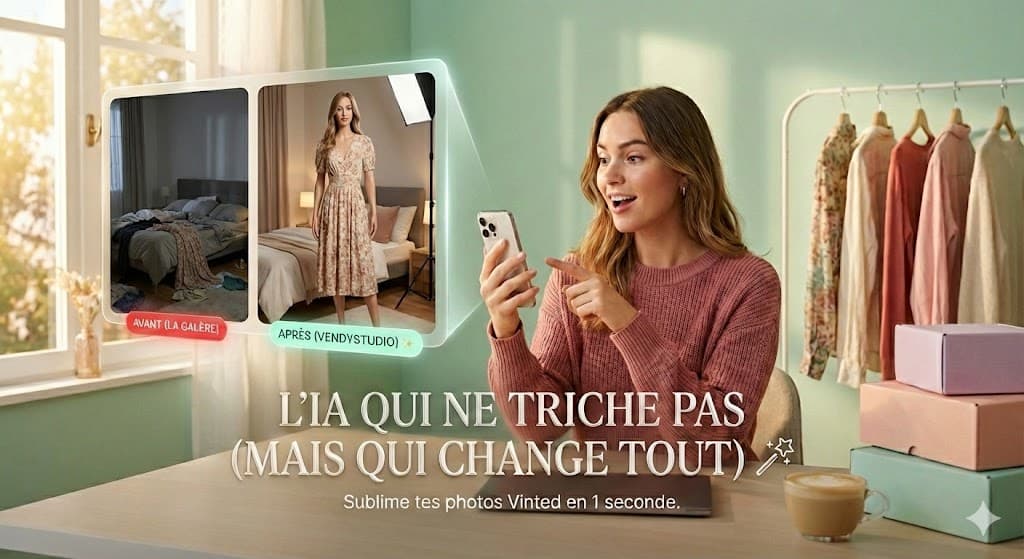
- Automatically remove the background → No more unmade beds or dirty floors
- Correct lighting → Bright photos even on grey days
- Add a virtual model → Professional presentation without showing yourself
- Remove unwanted elements → Tags, reflections, shadows
The Secret of Top Sellers
Many professional sellers spend less than 30 seconds per photo thanks to AI. Time saved = more items online = more sales.
Comparison of the 5 Best AI Tools
We've tested 15+ AI tools for Vinted photos. Here's the Top 5 of 2026, ranked by value for money for sellers:

Pros
- Built for online resale
- Realistic AI model included
- Result in 10 seconds
- 3 free credits upon sign-up
- Referral = bonus credits
- Most competitive pricing on the market
Cons
- No desktop version (coming soon)
Why it's #1: VendyStudio is a tool designed for resale selling (Vinted, Beebs, Depop...). It doesn't just remove backgrounds—it analyses your item and aims to provide the best background, the best lighting, and even an AI model to wear it. Discover our dedicated Vinted AI photo page to learn more.
Pros
- Intuitive mobile app
- Batch processing
Cons
- Catalogue-like render not natural ❌
- Watermark = unusable for free
- Subscription required (€9.99/month!)
- Photos look 'fake'
- 3x more expensive than VendyStudio
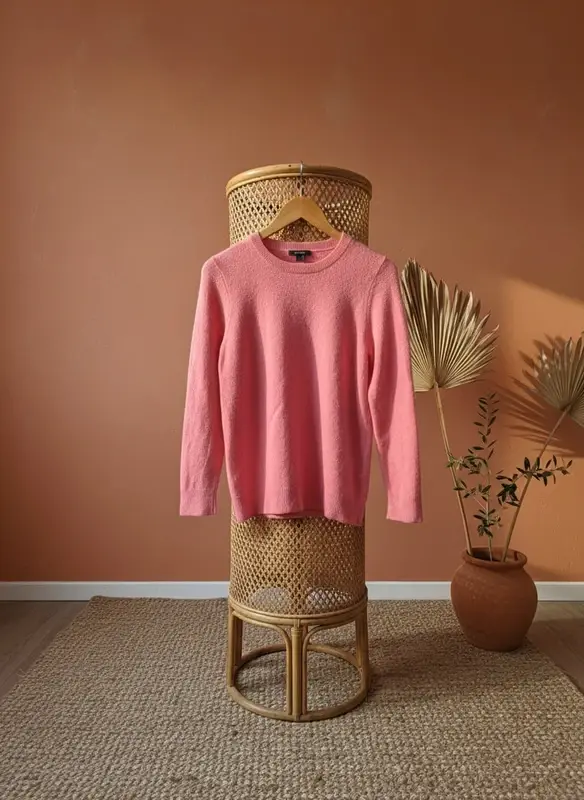
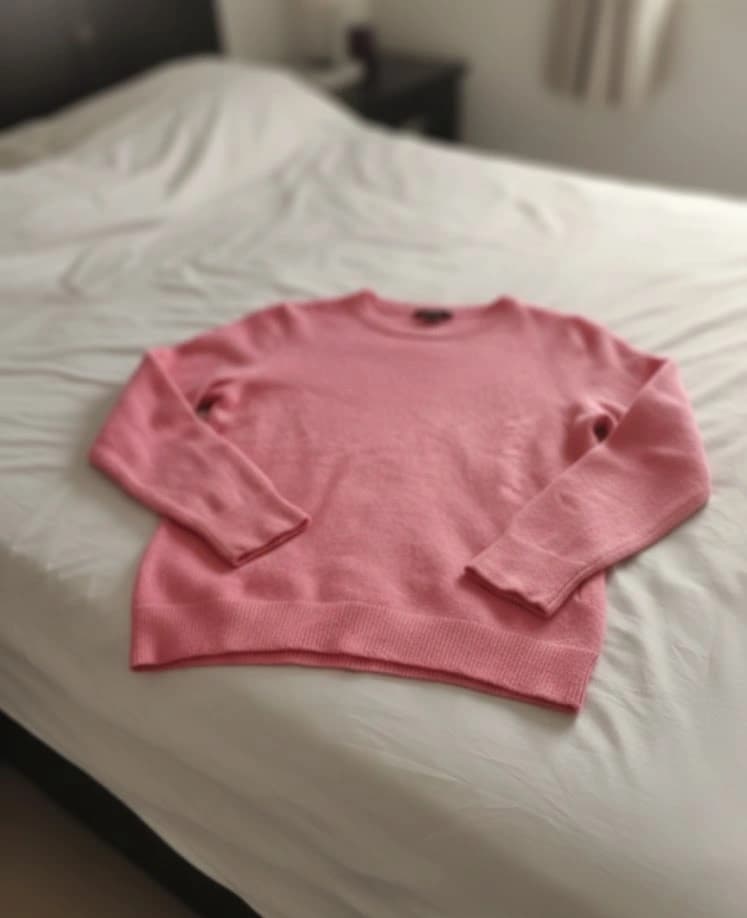
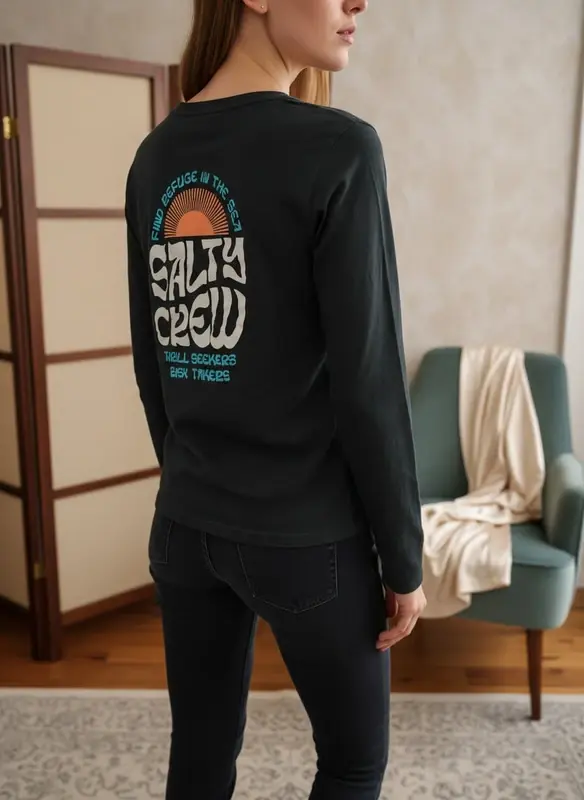
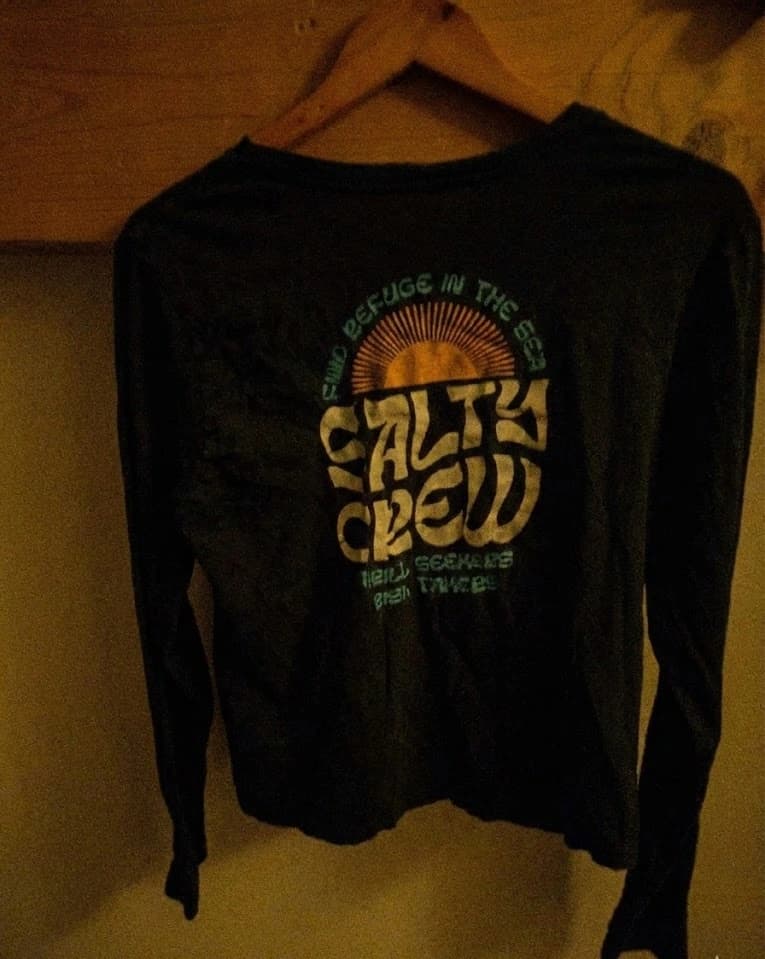
Before and After Gallery
Proof in images. Here are real transformations made with VendyStudio:
How to Use These Tools (5 Steps)
- Take your photo — Capture your item with your smartphone in a well-lit location.
- Upload to the AI tool — Upload your photo to VendyStudio or your preferred tool.
- Let the AI work — In seconds, the AI removes the background and enhances lighting.
- Download the result — Get your professional photo ready for Vinted.
- Publish on Vinted — Upload your optimised photo and watch your views soar!
Pro Tip
Process all your photos in a batch BEFORE uploading them to Vinted. It saves you heaps of time and ensures visual consistency across your profile.
Ready to transform your photos
with AI?
VendyStudio gives you 3 free credits upon sign-up. Background removal, AI model, lighting optimisation. All in seconds, at the most competitive prices.
Now It's Your Turn
In 2026, optimising your Vinted photos with AI is no longer optional for serious sellers. The right tool at the right time makes all the difference: less time spent, more sales, and a profile that inspires confidence. VendyStudio was designed precisely for this—and the 3 free credits let you verify it without risk.
Curious about pricing? Check our plans and credits page to see available options — from the free trial to volume packs.
FAQ: AI & Vinted Photos
Learn More 📚
How to take Vinted photos
White background, natural light, AI mannequin or worn shot: all 2026 techniques for Vinted photos that sell fast. Before/after examples included.
Lire l'article
15+ ChatGPT Prompts for Vinted:
ChatGPT prompts to sell on Vinted: optimised descriptions, SEO titles, negotiations, and AI image prompts. Copy-paste and sell within 24 hours.
Lire l'article⚖️ Transparency & Independence
Independence: VendyStudio is an independent service. We are not affiliated with Vinted, Beebs, Depop or any other resale platform mentioned in this article.
Results: Performance figures mentioned are based on user feedback and internal research (January 2026). Results may vary.
Responsibility: Always check your platform's terms and conditions before publishing. You are responsible for the content you publish.
Moderation: Platform moderation systems are opaque and may change. VendyStudio cannot guarantee that your photos will be accepted by moderators.
Ready to transform your photos
with AI?
VendyStudio gives you 3 free credits upon sign-up. Background removal, AI model, lighting optimisation. All in seconds, at the most competitive prices.