



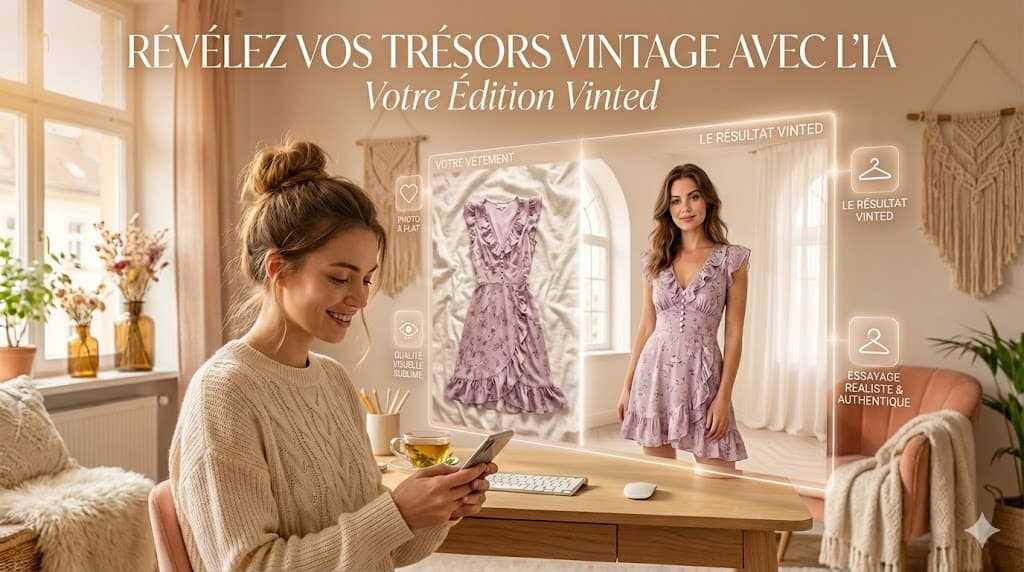
What's in this guide
Why good clothes sit unsold
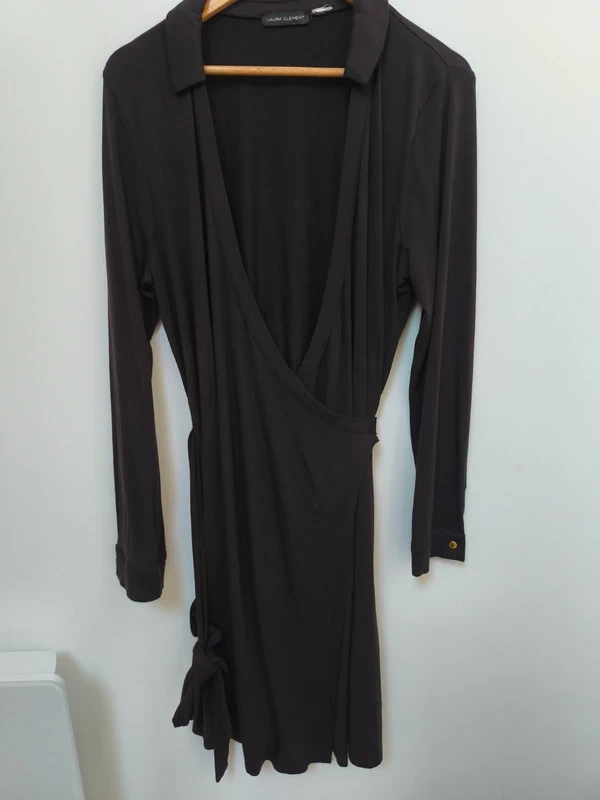
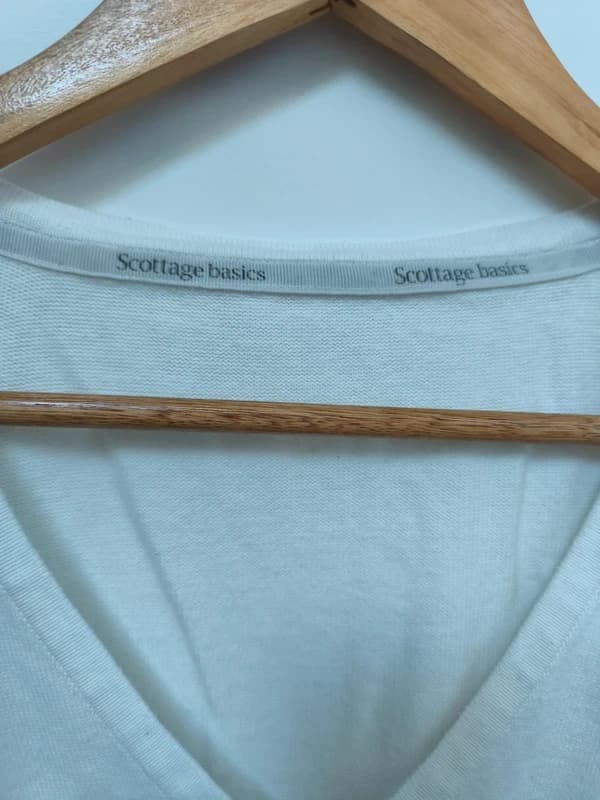
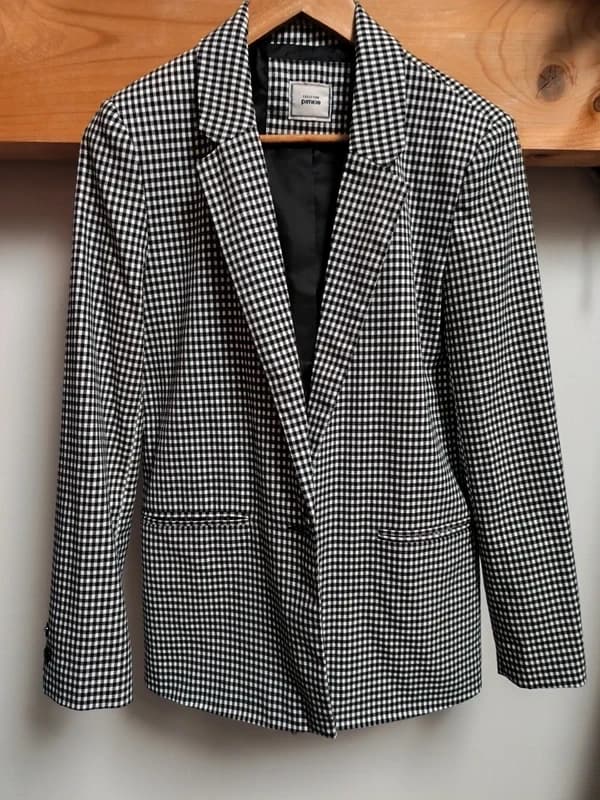
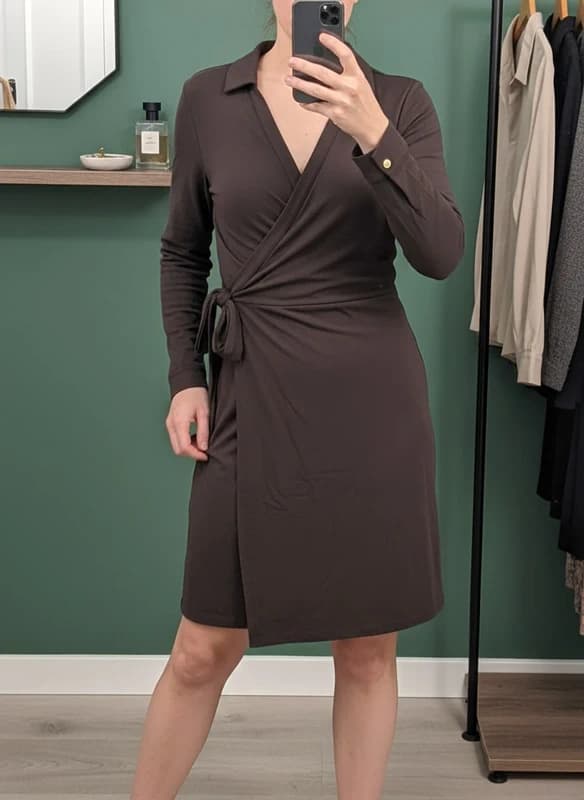
You know the jacket is worth 45 €. You list it at 25 € and nothing happens — a handful of views, no messages, no offers. It is rarely the price. It is almost always the photo.
What makes buyers scroll past
- ❌ Yellow evening light from a ceiling bulb
- ❌ A creased duvet or a doubtful floor
- ❌ Clutter in the background
- ❌ Your phone's shadow across the fabric
What makes buyers stop
- ✅ Even, neutral white light
- ✅ A clean, uncluttered background
- ✅ The garment with shape and volume
- ✅ That crisp, well-kept look
A photo studio that fits in your pocket
The old way of getting this look: an empty white wall, a ring light, a plastic mannequin nobody has room for, and an hour of retouching per item. Vendy Studio replaces all of it with one upload.
Before and after, on real items
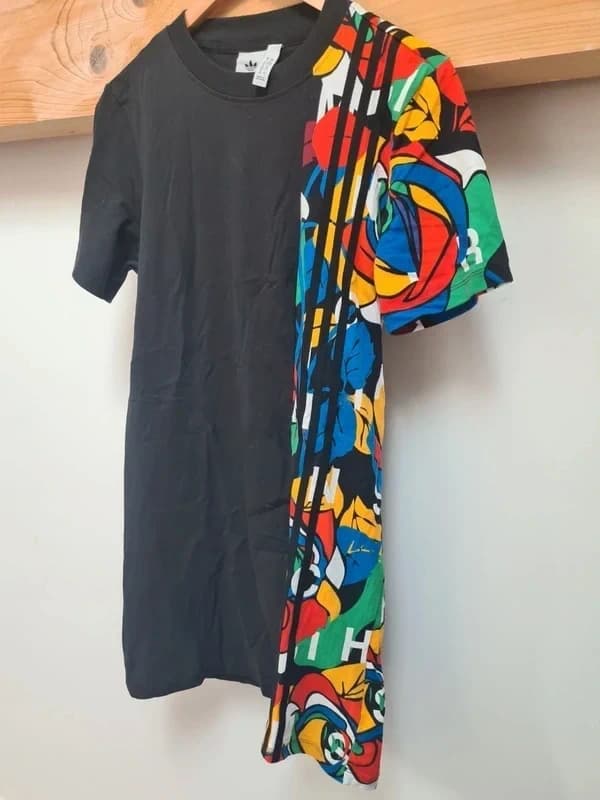
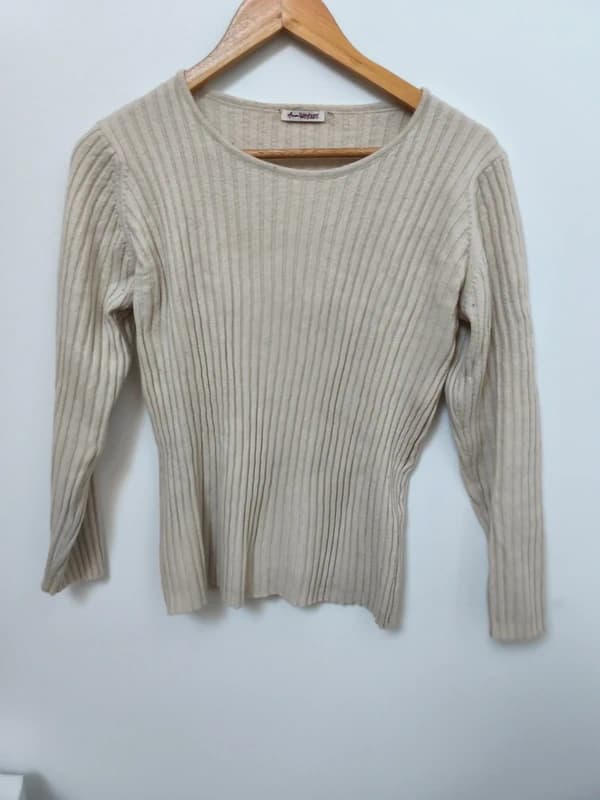
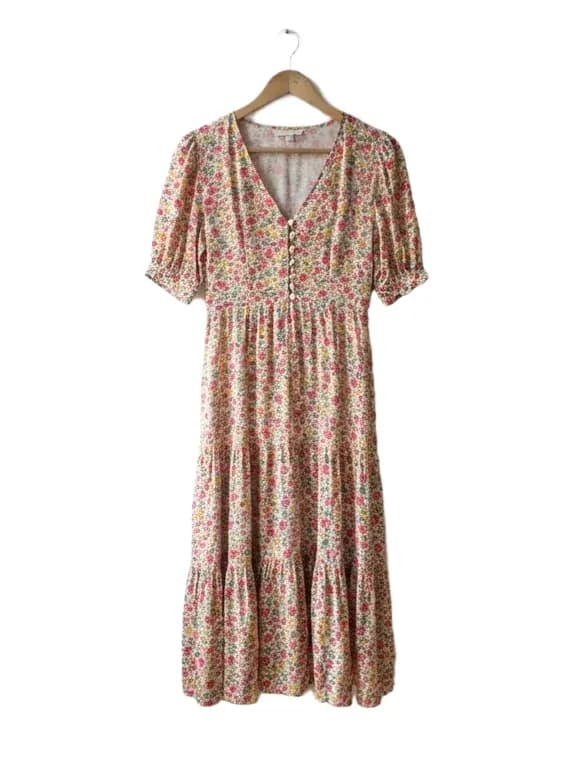
Every “before” was shot on a phone, in a normal room
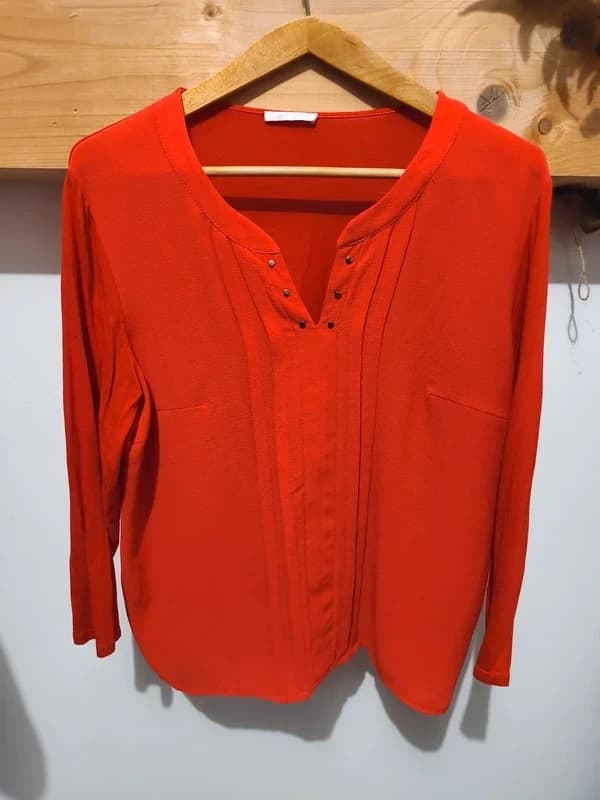
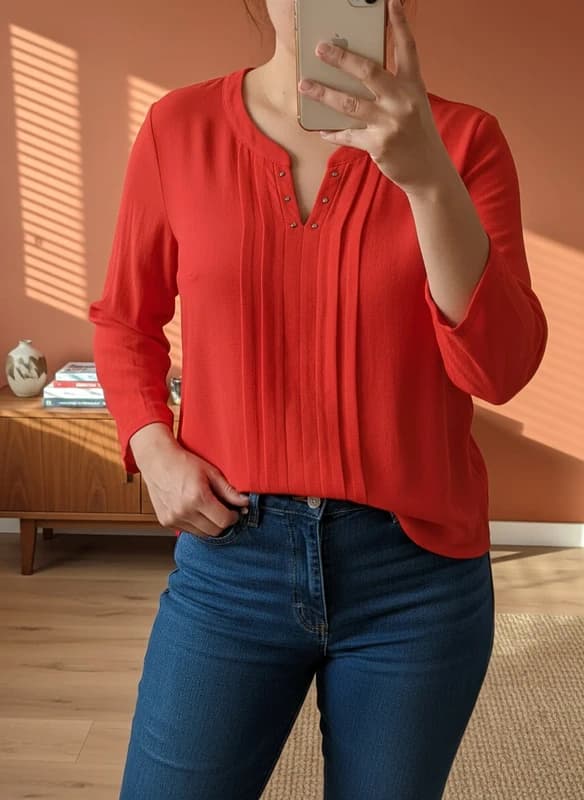
Hanger snap to studio background with a virtual model
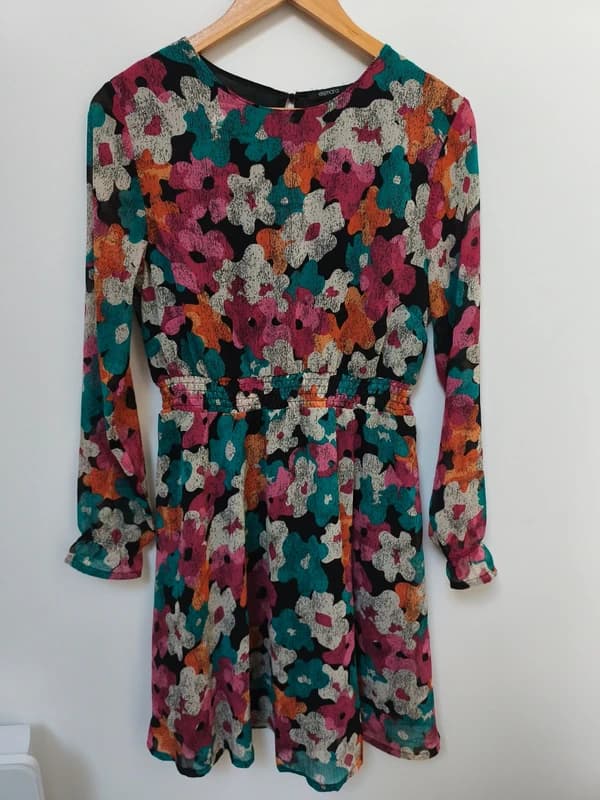
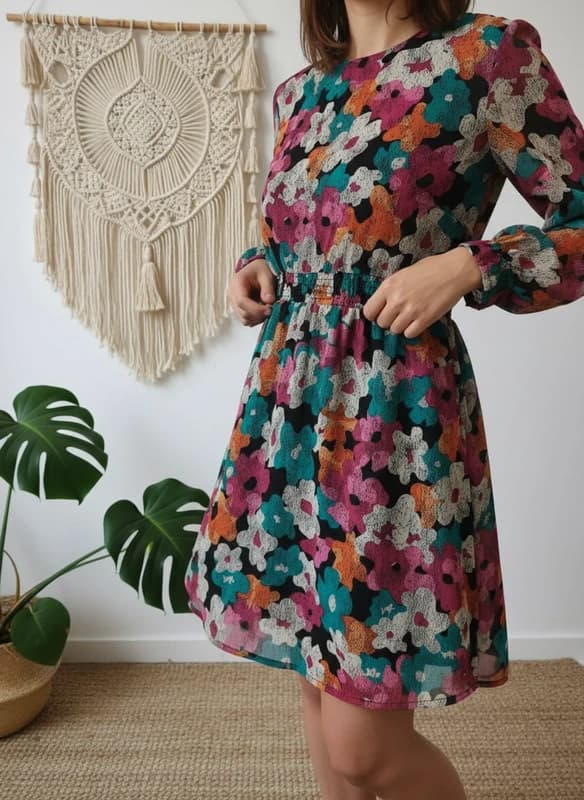
The print stays exactly as it is — only the setting changes
Your first AI photo, start to finish
No technical skill required. Here is how to rescue a listing that is not moving.
Take the photo, imperfect is fine
Lay the item on your bed or the floor, or hang it up. No tidying required — daylight helps but is not essential.
Upload it to Vendy Studio
The AI reads the image, detects the garment and separates it from whatever is around it.
Pick your render
Studio background, styled rail, or a virtual model wearing the piece. Tap the one you want.
Download and list it
Save the HD result and publish it. Then watch how differently the listing behaves.
Three modes, three kinds of item
Vendy Studio offers three renders. The AI suggests the best one for what it detects, and you can override it in a tap.
Worn
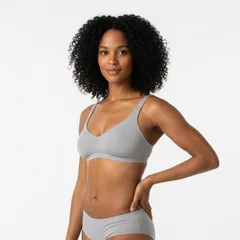
Cutout + virtual modelAutomatic cutout, an AI model wearing the piece, neutral background.
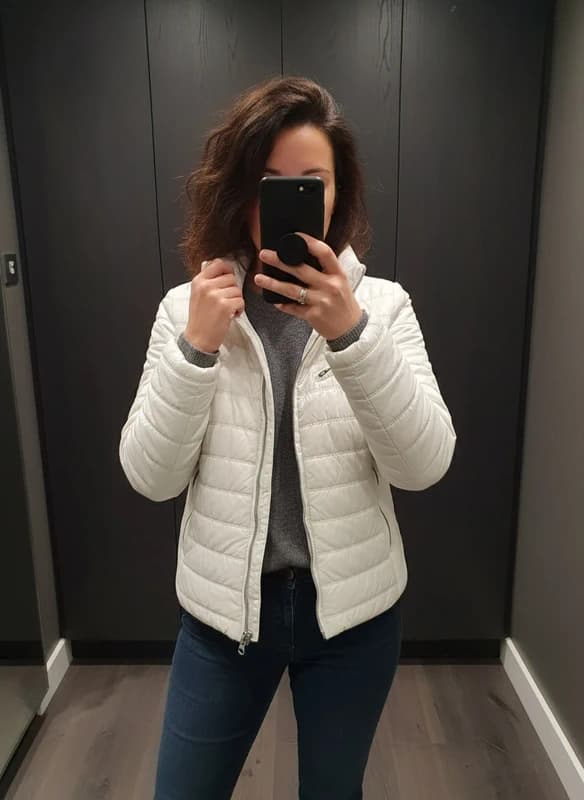
- ✅ Buyers can picture themselves in it
- ✅ Best for dresses, coats, knitwear
Rail
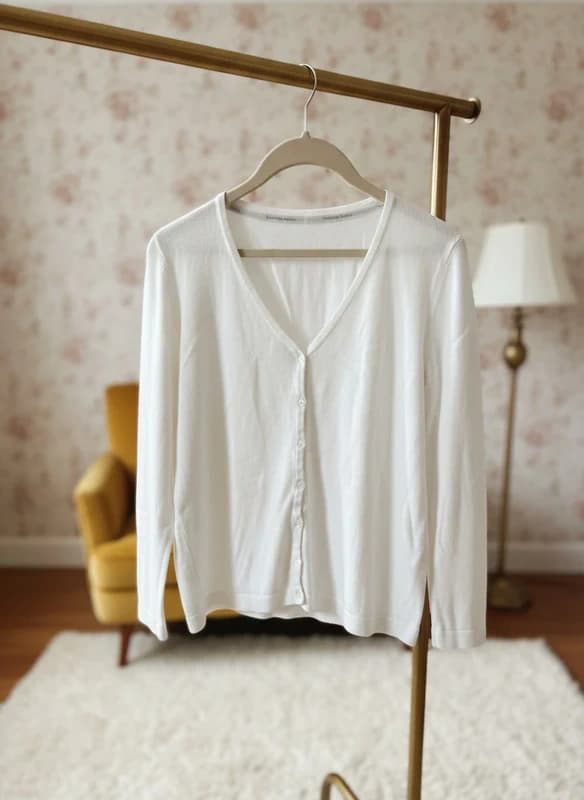
Premium hanging shotYour piece on a styled rail, no model — the wardrobe-editorial look.
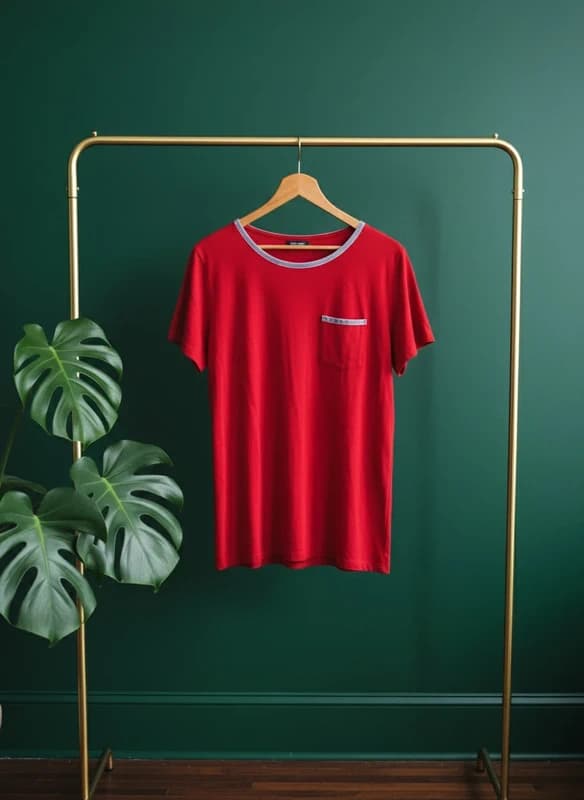
- ✅ No model in frame
- ✅ Flatters structured pieces
- ✅ Reads as a curated shop
Accessories
Bags, shoes, jewelleryStaged shots for the pieces that are not worn on a body.
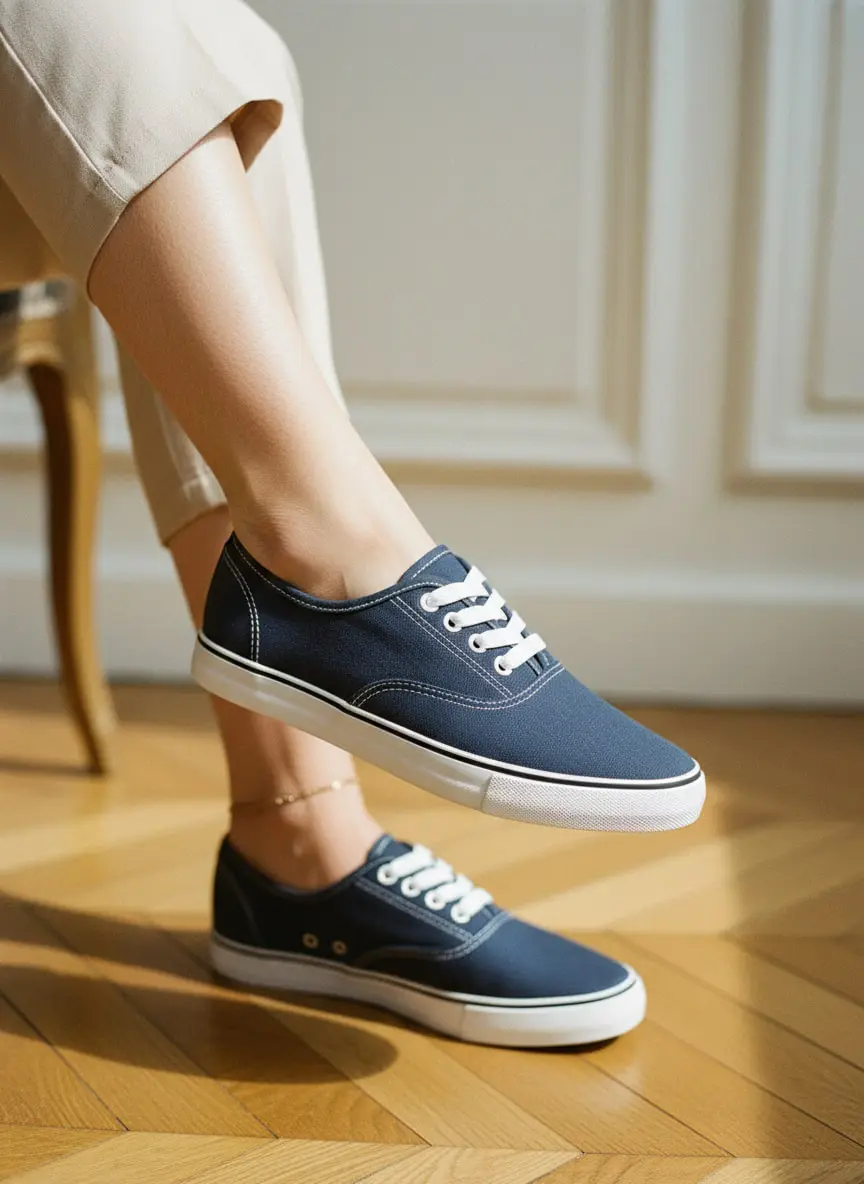
- ✅ Shoes, bags, belts, jewellery
- ✅ Placed, hung or held
- ✅ Realistic shadows, no floating objects
More before and afters
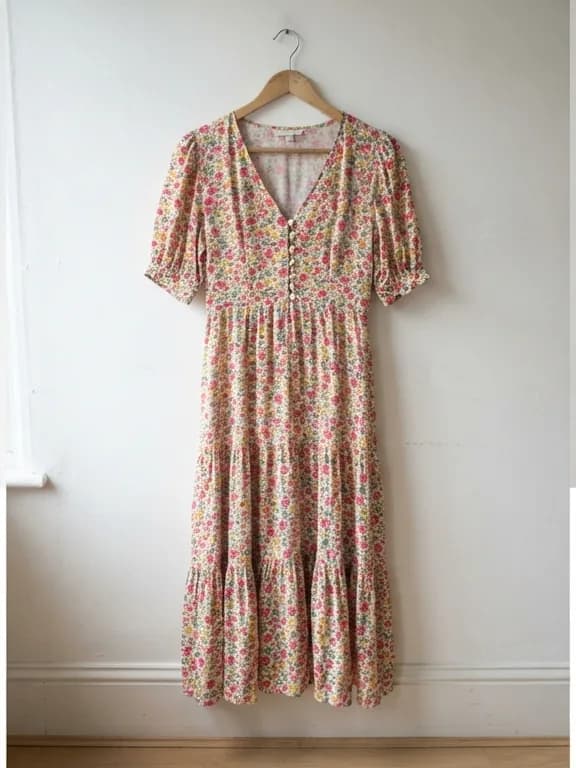
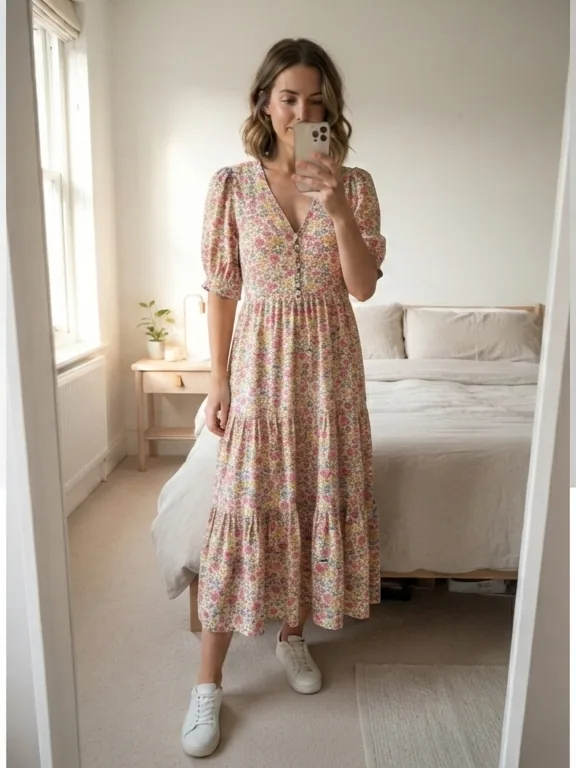
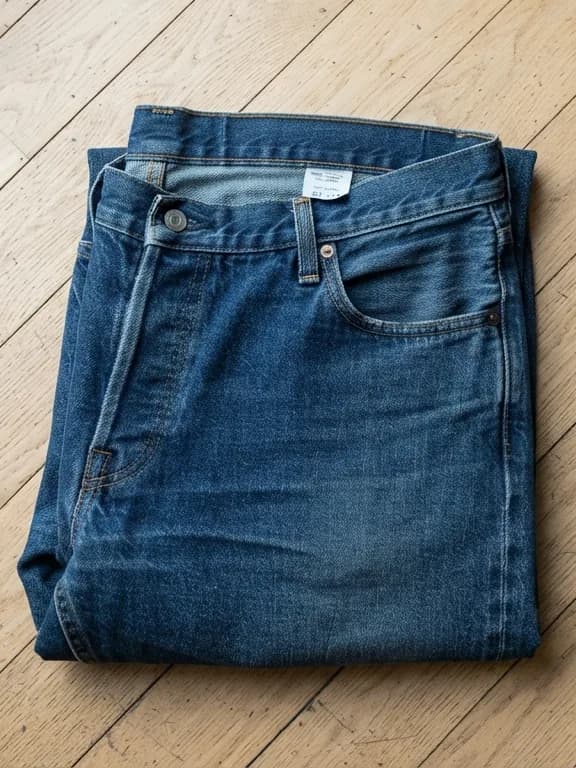
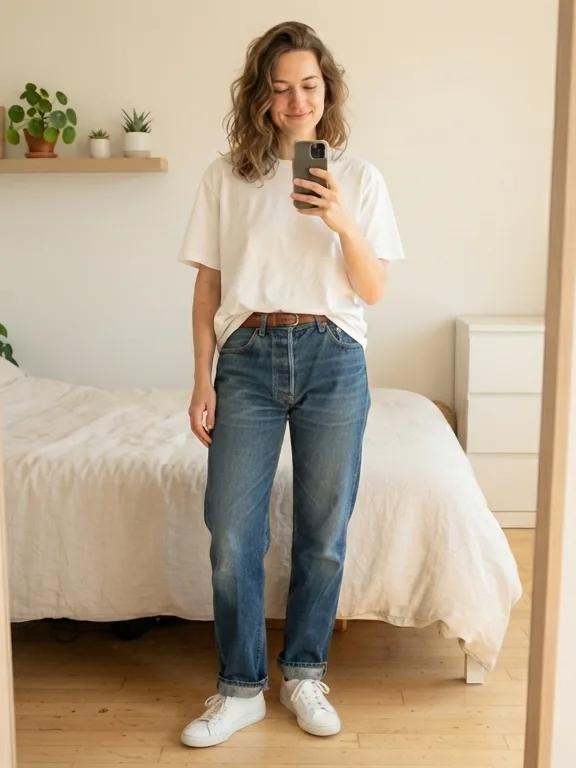
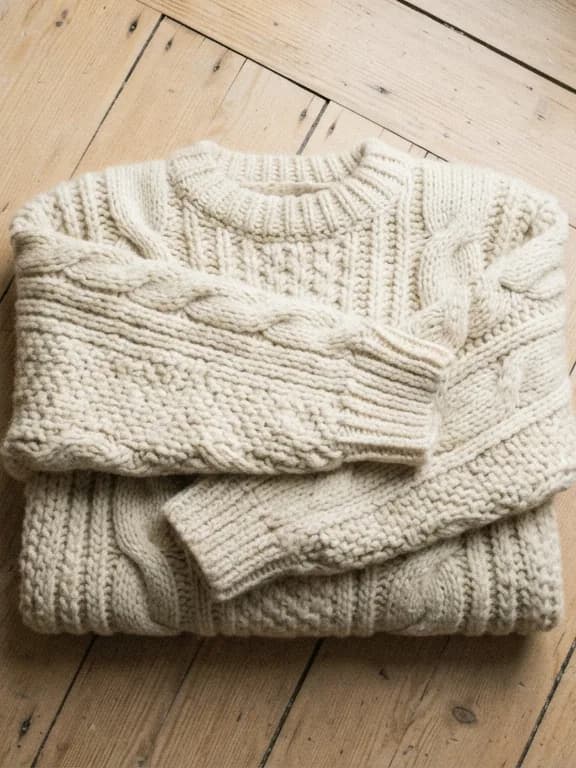
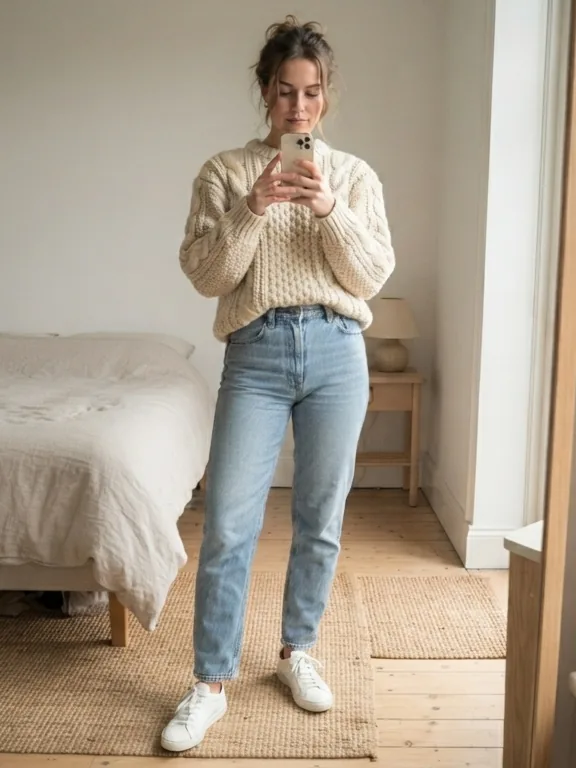
These examples are AI-generated renders shown to illustrate the output. Results vary with the source photo — a sharp, well-lit original always gives the AI more to work with.
What a virtual model actually is
A virtual model is an AI-generated figure that wears your garment in the photo — no shoot, no real model, no studio. From a single flat or hanger photo, the AI reconstructs a realistic worn shot: the fabric falls naturally and the cut is respected.
Privacy kept
Professional worn photos without ever photographing yourself.
No logistics
Nothing to buy, nothing to store, nobody to book.
Realistic drape
The AI adapts to each cut and fabric instead of pasting the item on.
AI model vs plastic mannequin
Plastic mannequin
- ❌ Bulky to store
- ❌ One body shape, forever
- ❌ Cold, shop-window look
Vendy Studio AI model
- ✅ Free credits to try it
- ✅ Entirely online, nothing to install
- ✅ Adapts to each garment
- ✅ Natural, lived-in result
Backgrounds that do the selling
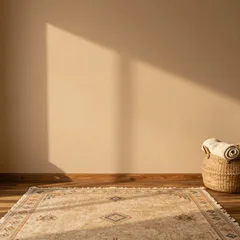
The background matters nearly as much as the garment. A cluttered or dim one costs you the tap; a clean, bright one earns trust before a word is read.
Pick a scene, keep it consistent
Studio white, a styled wardrobe, or a lifestyle room — the AI matches light and shadow to whichever you choose. Using the same one across a whole listing batch is what makes a shop look professional. There is a full walkthrough in our guide to custom backgrounds and virtual models.
Vinted and Depop: what changes
The two marketplaces reward different things, and the same source photo can serve both if you know what each one is looking for.
| Vinted | Depop | |
|---|---|---|
| Best render | Worn mode — buyers want to judge the fit | Rail or worn, but the same one every time |
| Background | Neutral, so nothing distracts from the item | A signature scene that becomes your shop's identity |
In practice: shoot once, generate once, and reuse. The same worn render works on both, and a consistent background is what makes a Depop grid read as a real shop rather than a pile of listings.
Your photos and your data
Vendy Studio is built to improve the setting of a photo — light and background — not the garment itself. The colour, the condition and the real flaws of your item are meant to survive the process untouched.
What the AI will not do
It is not there to hide damage, change a colour or invent details that are not on the piece. Selling a garment that does not match its photos is how disputes start — and no tool can promise a platform will accept a given image. Moderation rules are opaque and they change; check your marketplace's terms before you publish.
On the data side: your photos are never used to retrain the models and are deleted automatically within 10 days (30 days for Premium members, who keep them in their gallery). Processing runs on secure cloud infrastructure under GDPR.
Go deeper on resale photography
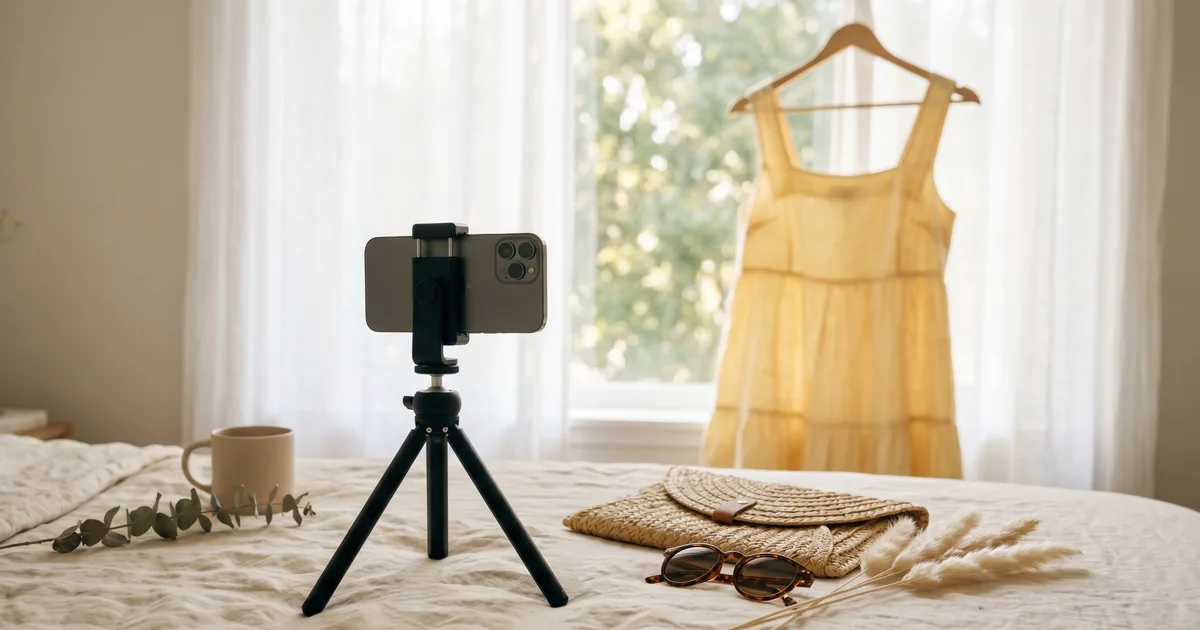
The complete Vinted photo guide
Light, background, worn or flat, AI editing: the full method for photos that sell.
Read the article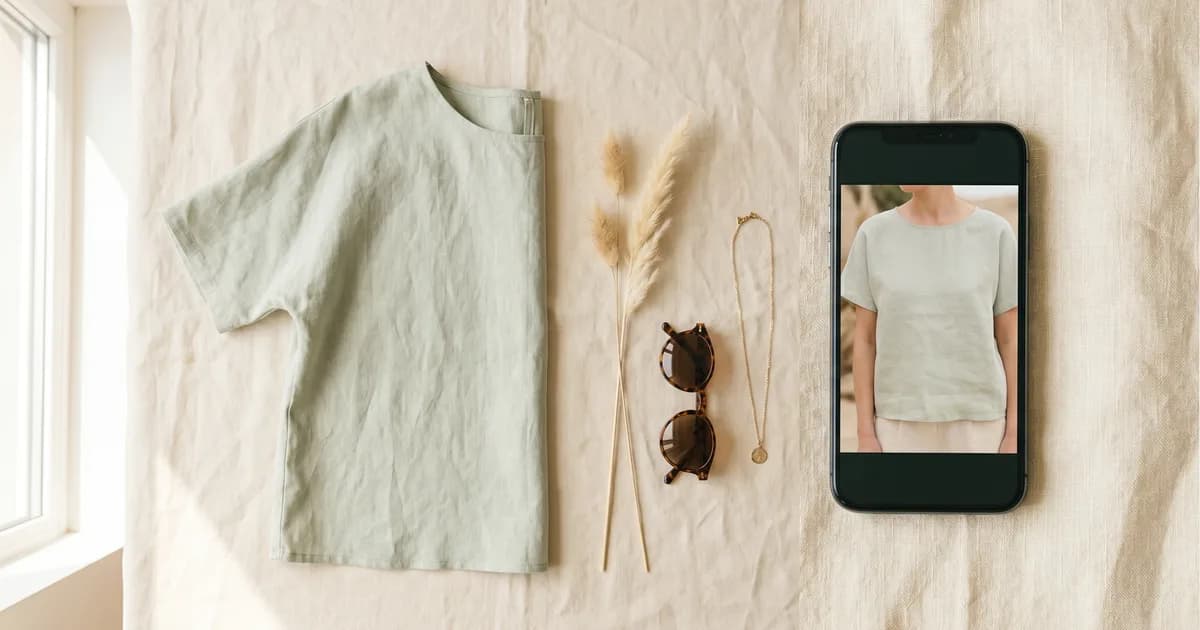
AI worn photos for Vinted: the method that changes everything
A straight verdict on general-purpose AI, a five-minute method and a safer alternative for worn shots.
Read the articleFrequently asked questions
⚖️ Legal Information & Transparency
Independence: VendyStudio is an independent service. We are not affiliated with Vinted, Beebs, Depop or any other resale platform mentioned in this article.
Responsibility: Always check your platform's terms and conditions before publishing. You are responsible for the content you publish.
Moderation: Platform moderation systems are opaque and may change. VendyStudio cannot guarantee that your photos will be accepted by moderators.
Ready to try?
Join the sellers whose listings do not sit around.