

🚨 NEW: Vinted says yes to AI. The how-to guide (without getting caught out)
Since September 2026, Vinted lets you flag your AI photos. Worn photos, descriptions, price, messages: what AI can do for your listings tonight, and the 5 mistakes that can cost you your account.
Founder of Vendy Studio, which he builds from northern France. He designs the tool, tests the AI models and digs through the rules — tax and platform — that frame online reselling.
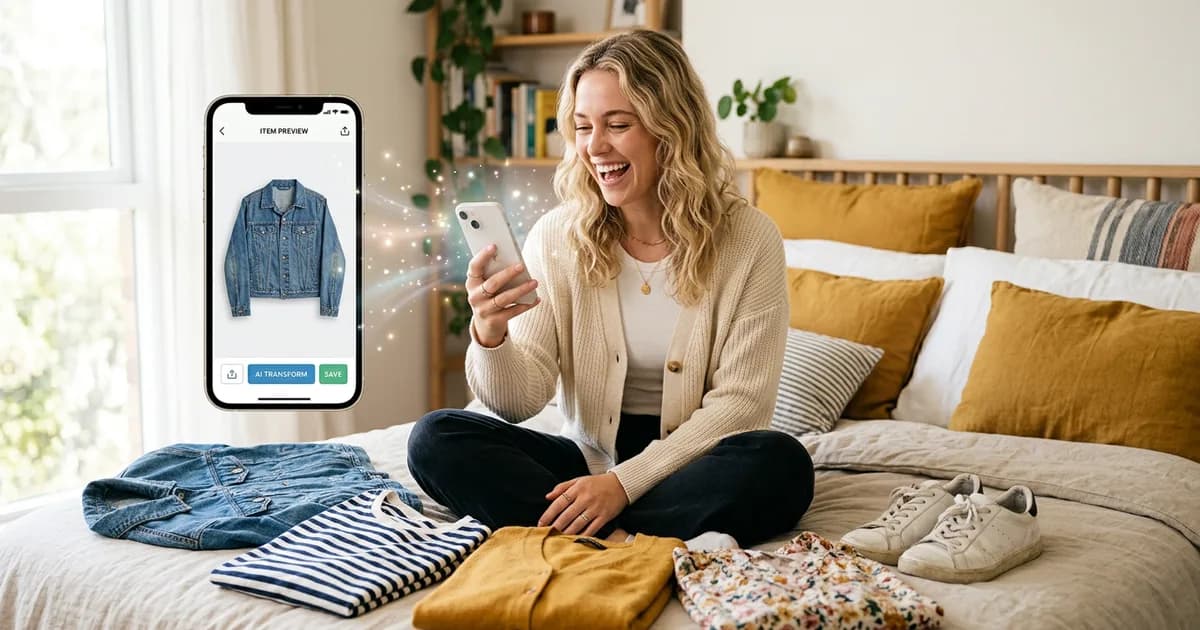
In this guide
For months, using AI on Vinted was a bit like putting a filter on a dating app: everyone did it, nobody admitted it. September 2026 changes that.
While uploading a listing, I saw a new option appear in the app: a toggle to flag that I'm using AI on my photos. And this summer, Vinted told the Dutch press, in black and white: AI is fine as long as the photo represents the item accurately. Using it to mislead, no.
Translation: AI isn't a taboo subject on Vinted any more, it's a tool. You just need to know which one to use, for what, and where the line sits. Here's the full how-to guide, use case by use case: photos, descriptions, price, messages, selling abroad… and the one thing you should never do.
Who's talking to you
I'm François, founder of Vendy Studio (an AI photo tool for reselling). So I obviously have a stake in you using AI — all the more reason to also give you the uses where it's no help at all, and the ones that can cost you your account. Vendy Studio has no connection to Vinted. The full story on the 'AI' toggle is in our dedicated article.
Sept. 2026
a toggle to flag AI use appears when you upload photos
Aug. 2026
Vinted confirms to the press: AI is fine if the item stays true to life
6
AI uses put to the test in this guide, from green light to red flag
Green light, red flag: the 30-second summary
No time to read it all? The rule fits in one sentence: AI can present your item, never dress it up, and never act in your place.
- A bot or extension that publishes, republishes, likes or replies on your behalf
- An AI visual that changes the colour, cut or condition of the item
- Flaws smoothed away or fabric 'improved' by AI
- An AI description that invents a brand, size or fabric composition
- An AI photo of an item you don't actually have in hand
- A worn photo or clean background generated from YOUR photo, true to the item
- The AI toggle switched on when a visual is AI-generated or AI-edited
- A description and title written by AI, then proofread and corrected by you
- A starting price idea, checked against similar sold items
- A reply draft that YOU review and send yourself
Photos: the real game changer (green light, with conditions)
This is where AI genuinely changes the game. You know the problem: your dress flat on the bed shows none of the drape, the volume or the appeal. And posing in front of the mirror isn't for everyone (no time, no light).
Today, AI can:
- Generate a worn photo from the flat-lay photo of your garment;
- Clean up the background (goodbye crumpled duvet and photobombing cat);
- Fix the lighting on a photo taken on a dark November evening.
The 3 rules for staying in the green
- Start from YOUR item. The visual has to be generated from your own photo, not an image found online.
- Total accuracy. Same colour, same cut, same fabric, same condition. If AI has 'flattered' it, regenerate or bin it.
- Real photo first, plus the AI toggle. The catalog rules ask for a first photo that clearly shows the whole item: keep that one real, put the AI visual after it, and switch on the AI toggle if it shows up.
For the full step-by-step, read the AI worn photo method.
Your worn photo,
no posing, no photoshoot 📸
Vendy Studio generates a worn photo from the flat-lay photo of your garment, staying true to the item. 3 free credits on sign-up, no card required.
Titles and descriptions: green light, if you proofread
No Vinted rule targets the tool that wrote your description. ChatGPT, Gemini, Claude or Le Chat can give you a clear title and a clean description in 20 seconds.
The trap: AI invents things. Give it a blurry photo of a label, and it'll happily tell you "100% merino wool" when there's 30% acrylic in there. And you're the one left with a dispute.
The prompt that works
"Here's the label info: [brand, size, fabric composition]. Real condition: [e.g. very good condition, slight bobbling under the arms]. Write a Vinted title of 60 characters max and a 5-line description, simple and honest tone. Don't add any information I haven't given you."
Want to go further? We've compared AI assistants task by task and put together prompts by type of garment.
Setting your price: amber light
Asking an AI "how much should I sell this Sézane jumper for?" is tempting. It'll answer with total confidence… without knowing the real, current sales on Vinted.
The right way to use it: take its range as a starting point, then check similar items on Vinted (same brand, same condition). The market always has the last word, not the chatbot.
Replying to buyers: amber light
One buyer asks for measurements, another makes an offer at -50%, a third wants to know if the jeans "run small". AI can help you word a reply that's polite and clear, especially when you're tired of explaining for the tenth time that no, £5 isn't going to happen.
The limit: you're the one who reviews and sends it, from the app. Not a tool replying in your place (see the red flag below). And for offers, keep control: our guide on negotiating on Vinted helps you respond without underselling yourself.
Selling abroad: green light
Your listings can be seen by buyers in other countries. AI translates your description in seconds, or helps you understand a message you've received in Polish or Dutch. Same rule as point 2: proofread, and check that sizes and condition stay accurate once translated.
Bots and automation: bright red flag 🚫
This is THE confusion to avoid. "Vinted accepts AI" does not mean "Vinted accepts robots".
Vinted's terms and conditions ban the use of external software such as bots or scraping tools, unless Vinted authorises it. In practice, that covers anything that acts on your account in your place:
- automatically republishing your listings;
- mass-liking or mass-following;
- sending automatic messages or offers;
- browser extensions that click for you.
The difference is simple: a tool that creates a visual or a text which you publish yourself stays outside your account; a bot drives your account. We've listed the tools that get you banned if you're in any doubt.
The shortcut that costs dearly
A restricted or closed account takes your ratings, your history and your live listings down with it. No time saved is worth that.
The 15-minute AI listing routine
Here's how I put it all together for a complete listing:
- 3 min – Real photos: whole item, label, flaws. Daylight.
- 3 min – AI visual: worn photo generated from the flat-lay photo, compared against the item.
- 4 min – Text: AI title and description from the label details, proofread line by line.
- 3 min – Price: an AI range if you like, then a check against similar sold items.
- 2 min – Publishing: real photo in slot 1, AI visual in slot 2, AI toggle switched on, note in the description.
Before you tap 'Upload': the AI check
Sources & references
- NOS — AI-foto's vinden hun weg op platforms zoals Vinted — Vinted's statements on AI (August 2026)
- NU.nl via Cloud Expo — investigation into AI model photos and Vinted's position (30 July 2026)
- Vinted catalog rules — requirements on listing photos (checked September 2026)
- Vinted terms and conditions — clause on external software and bots
- AI Act, Article 50 — transparency obligations applicable from 2 August 2026
- Direct observation of the Vinted app by the Vendy Studio team (September 2026)
FAQ: how to use AI on Vinted
Keep Reading 📚

Vinted AI: the toggle is here,
Vinted now shows a toggle to flag AI use when you upload photos. What it means for AI photos on Vinted, what's still banned, and how to use it well.
Read the article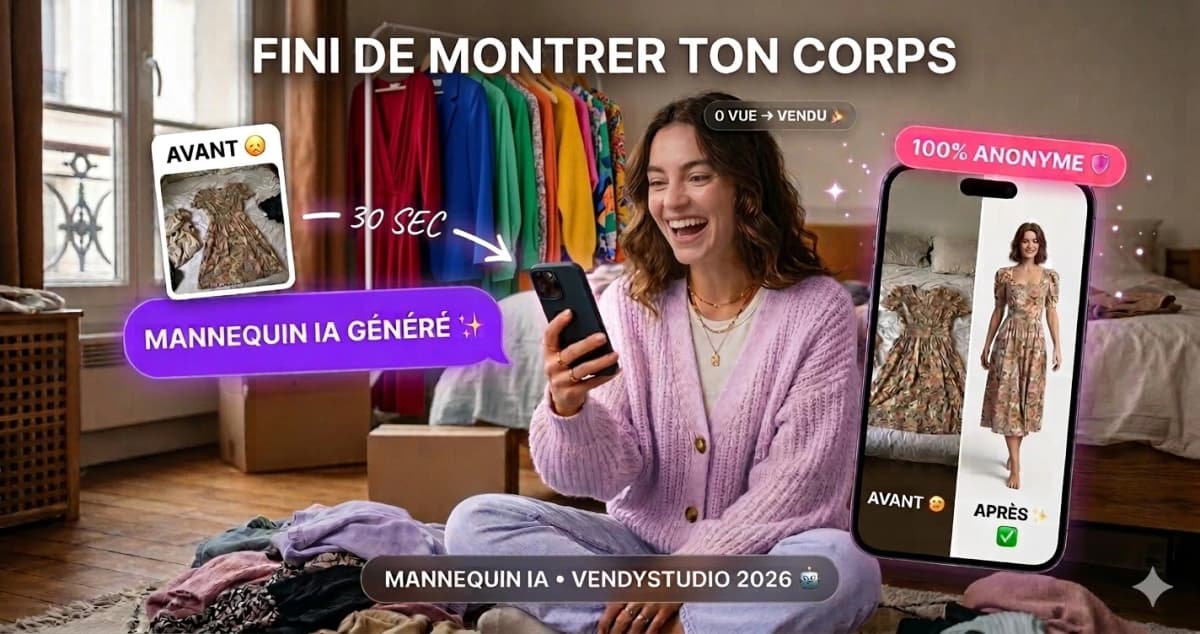
Vinted Modelled Photos by AI:
I tested generalist AIs for my Vinted photos. Straight verdict, a 5-minute method and a secure alternative. 2026 guide by the VendyStudio team.
Read the article
Which AI to Sell on Vinted?
ChatGPT, Gemini, Claude, Mistral — which AI assistant for which task on Vinted? Comparison by use case, adapted prompts for each.
Read the article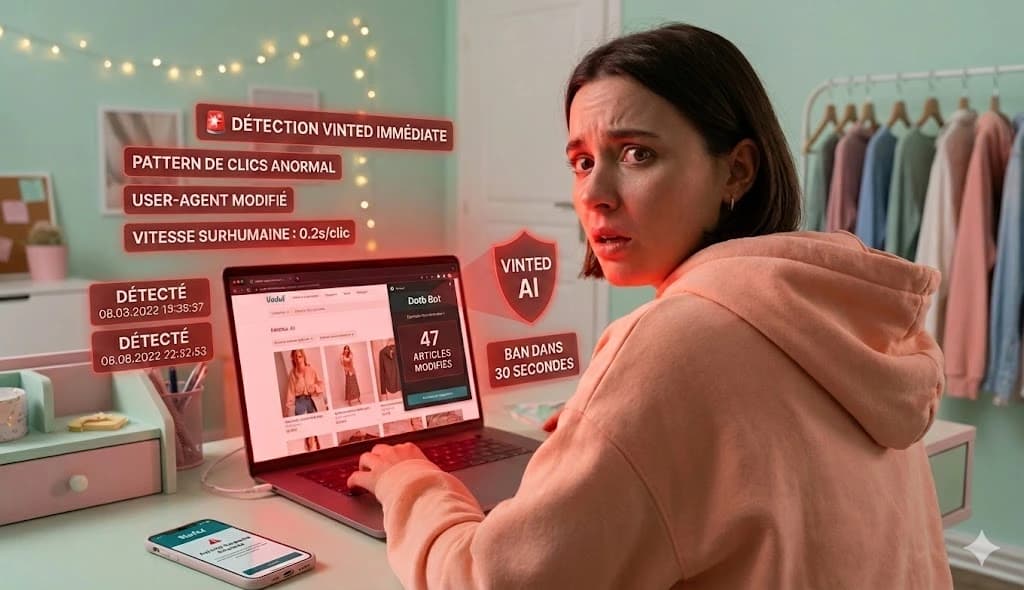
These 10 Vinted Bots Will Crash Your Account in 48 Hours
COMPLETE blacklist of 10 bots crashing Vinted accounts in 2026. +340% bans. Dotb, Vendoo, Clemz... and bot-free alternatives.
Read the articleFrançois
Founder of Vendy Studio
Founder of Vendy Studio, which he builds from northern France. He designs the tool, tests the AI models and digs through the rules — tax and platform — that frame online reselling.
⚖️ Legal Information & Transparency
Independence: VendyStudio is an independent service. We are not affiliated with Vinted, Beebs, Depop or any other resale platform mentioned in this article.
Results: Performance figures mentioned are based on user feedback and internal research (January 2026). Results may vary.
Responsibility: Always check your platform's terms and conditions before publishing. You are responsible for the content you publish.
Moderation: Platform moderation systems are opaque and may change. VendyStudio cannot guarantee that your photos will be accepted by moderators.
This article is informational. It reflects our reading of public sources as of 27 September 2026 (Vinted's catalog rules and terms and conditions, Vinted's statements to the Dutch press, links at the end of this article) and direct observation of the app. This is not legal advice, nor an official position from Vinted. Vendy Studio is an independent service with no connection to Vinted or any other platform or tool mentioned. Rules and moderation can change without notice: always check the current terms, you remain responsible for your own listings.
AI has the green light.
Over to you ✨
Vendy Studio turns the flat-lay photo of your garment into a worn photo, true to the item. You check it, you publish with your real photo first, you tick the AI toggle. Simple, transparent, and your wardrobe gets a whole new look.