

Generate a Clothing Photo with AI: ChatGPT, Gemini & the prompts that work 🪄
You asked ChatGPT or Gemini to generate a photo of your garment, and the result is… weird? Here are the prompts that hold up, why fidelity breaks anyway, and the no-prompt image-to-image method.
Inès tests AI image models (ChatGPT, Gemini, Midjourney) for clothing photography. She translates prompt jargon into plain language and compares what actually works.
Vendy Studio editorial persona (fictional byline)
In this guide
- You tried… and the result is weird
- ChatGPT, Gemini, Midjourney: the 2026 landscape
- The clothing-photo prompt that holds up
- Why fidelity breaks (hands, cut, consistency)
- AI photos & detection: SynthID and moderation
- Generate without a prompt: the specialised AI studio
- Your AI clothing photo in 3 steps
- FAQ: Generate a Clothing Photo with AI
You Tried… and the Result Is Weird
You opened ChatGPT or Gemini, typed "generate a photo of this garment worn"… and landed on something halfway between your dress and a different dress. Colour drifting, an extra button, a six-fingered hand thrown in for free. Welcome to AI photo generation in 2026.
Good news: it's not that you prompt badly. It's that generalist AIs aren't built to reproduce a specific garment — they're built to invent. In this guide, we look at which prompts hold up, why fidelity breaks anyway, and how to generate an AI photo of your garment without writing a single line of prompt.
0
prompts to write
the specialised studio skips the prompt engineering
30 s
per image
to generate a worn clothing photo
6 fingers
the generalist-AI trap
deformed hands, altered cut: fidelity breaks
What we're actually talking about
Generating a clothing photo with AI means starting from your piece (ideally a flat-lay) and getting a clean image, worn by a virtual model. Two families of tools: generalist AIs (ChatGPT, Gemini, Midjourney) and specialised fashion AI photo studios. We compare both.
ChatGPT, Gemini, Midjourney: the 2026 Landscape
Before you prompt, it helps to know who you're talking to. Here are the three big AI image models sellers test for their clothing photos:
🤖 ChatGPT (image engine, DALL·E / GPT-image)
Handy because you talk to it in plain language. It generates an AI image fast, but it stays a generalist: it easily reinterprets the garment. Great for a mood, less so for reproducing your piece exactly.
✨ Gemini (image model, image-to-image)
Gemini's strength is image-to-image: you start from your photo, it transforms it. The result is often closer to the original than pure text-to-image. But without precise framing, fidelity and consistency stay fragile.
🎨 Midjourney
Gorgeous for stylised, editorial looks, but it's the most demanding on prompt engineering (word weighting, parameters) and the least built for "keep this exact garment". Perfect for a moodboard, tricky for a listing.
What these 3 AIs have in common
They're generalist. They do a bit of everything, so none is perfectly framed for "reproduce THIS garment, change nothing". That's exactly where it breaks down for resale.
The Clothing-Photo Prompt That Holds Up
A good AI photo prompt rests on three blocks: the subject (reproduce the garment faithfully), the scene (model, light, background), and the negatives (deformed hands, colour change, plastic look). Here are two ready-to-copy templates — one for ChatGPT, one for Gemini in image-to-image:
Mannequin Prompt (ChatGPT / DALL·E)
Turn a flat-lay into a worn photo.
From the clothing photo provided, generate a realistic photo of the SAME garment worn by a model. - Reproduce faithfully: colour, cut, length, patterns, buttons. - Realistic model, natural pose, correct anatomy (hands, fingers). - Natural light, neutral background, smartphone-style render. - Invent nothing, change no detail of the garment. Avoid: deformed hands, plastic look, over-exposure, logos.
Image-to-Image Prompt (Gemini)
Garment fidelity first.
Image-to-image. Keep the garment in the image EXACTLY identical (same hue, same cut, same length, same details and textures). Task: show this garment worn by a realistic model. - Complete the outfit with neutral, unbranded pieces. - Soft light, natural shadows, true colours. - Forbidden: changing the colour, simplifying the pattern, six-fingered hands, 3D render, glow, beauty filter.
These prompts will get you far better results than a plain "put this garment on a model". But — and this is the heart of it — even an excellent prompt doesn't fix the underlying problem. We're getting to that.
Why Fidelity Breaks (Hands, Cut, Consistency)
You polished your prompt, and yet the render still betrays the item. That's normal: a generalist AI generates the plausible, not the faithful. Without locking onto the input image, it allows itself to "reinvent" what it doesn't fully understand.
- Prompt engineering to learn (subject, style, negatives)
- Six-fingered hands, altered cut or buttons
- Botched textures: wool turns to plastic
- No consistency between two generations
- The garment reinvented, not reproduced
- Zero prompts: you send your flat-lay
- Virtual model with correct anatomy
- Garment preserved (colour, cut, details)
- Realistic fabric render (wool, linen, denim)
- Image-to-image: your item, not an invention
In practice, the classic misfires on a garment are always the same: six-fingered hands, altered cut, a changing number of buttons, a simplified pattern, a texture that turns plastic. For a listing that's a double problem: it puts buyers off, and if the item received doesn't match the photo, you expose yourself to a dispute. We dig into it in our hands-on take on AI worn photos, where we tested the generalist AIs for real.
AI Photos & Detection: SynthID and Moderation
Another angle many forget: detection. Recent models (Google Gemini, OpenAI) often embed an invisible digital signature (such as SynthID) that may be detectable. And based on community feedback, the risk of a listing being removed seems to rise when the render looks too artificially "studio e-commerce".
The golden rule, whatever the AI
No AI — generalist or specialised — can guarantee a listing's acceptance: it stays at the platforms' discretion, and terms evolve. The safeguard: stay true to reality, add a real flat-lay, and never hide a flaw (stain, tear). It's against the rules, and it's what creates disputes.
Generate Without a Prompt: the Specialised AI Studio
If your goal is to sell (not to play with prompts on a Sunday night), the simplest route is a specialised fashion AI photo studio. The philosophy is completely different: instead of opening an infinite field where anything can go wrong, it does one thing, well — take your flat-lay and generate the worn version while preserving your garment.
- 🚫 Zero prompts → you send your photo, that's it. No subject/style/negatives hierarchy to learn
- 🔒 Fidelity preserved → colour, cut, length, details: image-to-image starts from your real item
- 🧍 Correct virtual model → anatomy under control, no six-fingered hands
- ⚡ Fast and consistent → a coherent render from one piece to the next, in 30 seconds
Generate your AI clothing photo, no prompt
3 free worn photos on sign-up
Send your flat-lay, the AI generates the worn version faithful to your garment in 30 seconds.
Your AI Clothing Photo in 3 Steps
No need to become a prompt engineering pro. Here's how to generate a faithful AI photo of your garment in three steps:
📸 Step 1 — Photograph your garment flat-lay
Smartphone, daylight, neutral background. That's your starting image for image-to-image. The sharper your photo, the better the render.
⬆️ Step 2 — Upload it to the AI photo studio
No prompt to write. The AI works from your real garment (colour, cut, details) and prepares the generation.
✨ Step 3 — Generate the worn version
In under 30 seconds, you get your garment worn by a realistic virtual model. Download your AI photo, publish on Vinted, Depop or Beebs, and keep a real flat-lay as a complement.
The next good move: nail your first photo so it catches the eye in the feed — we explain it all in our guide on the thumbnail that stops the scroll.
FAQ: Generate a Clothing Photo with AI
Generate Better Photos 📚
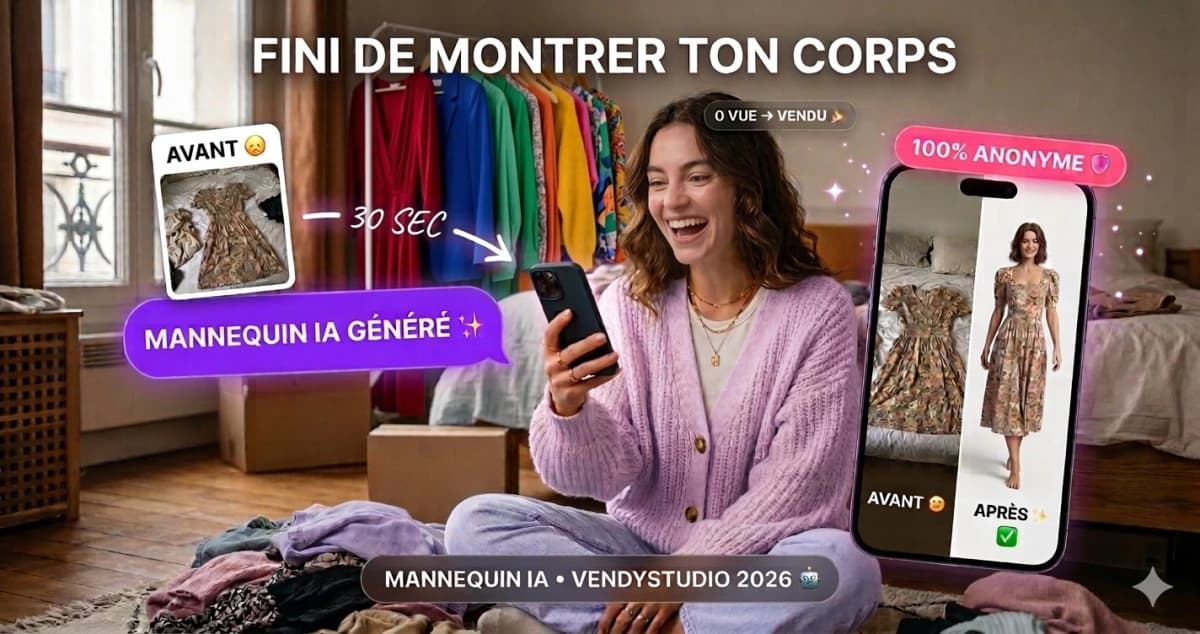
Vinted Modelled Photos by AI:
I tested generalist AIs for my Vinted photos. Straight verdict, a 5-minute method and a secure alternative. 2026 guide by the VendyStudio team.
Read the article
15+ ChatGPT Prompts for Vinted:
ChatGPT prompts to sell on Vinted: optimised descriptions, SEO titles, negotiations, and AI image prompts. Copy-paste and sell within 24 hours.
Read the article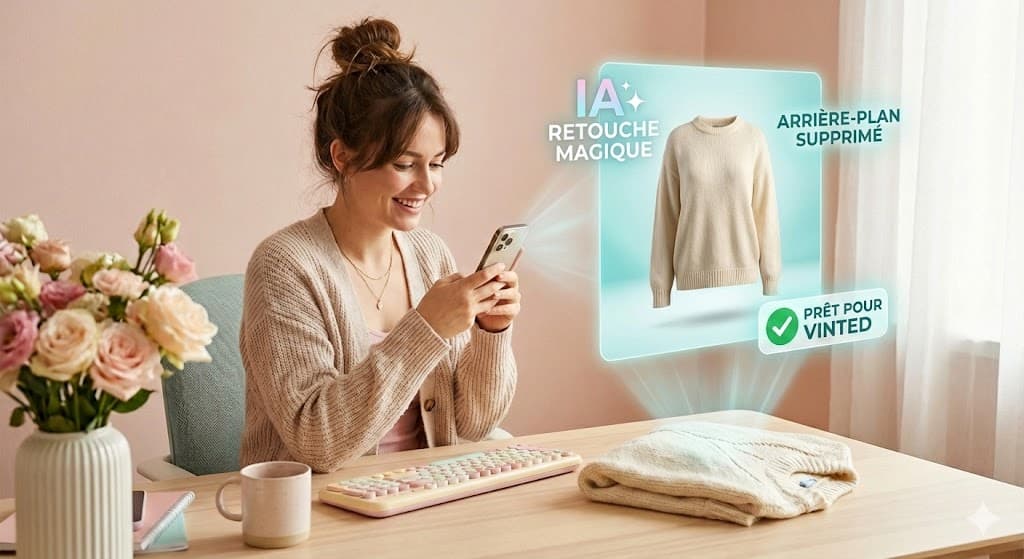
Top 5 AI Tools to
2026 comparison of the best AI tools for your Vinted, Beebs, Depop photos: background removal, lighting enhancement, virtual model. VendyStudio, competitive pricing.
Read the article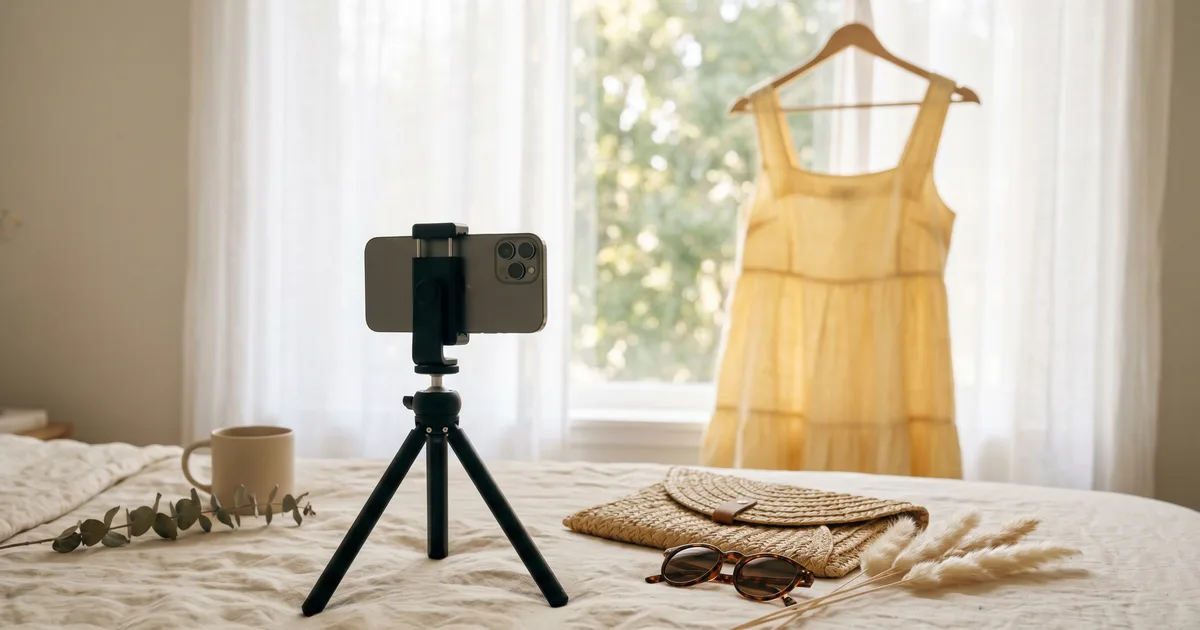
The First Vinted Photo
In July the feed is flooded. Your first Vinted photo gets one second to stop the scroll. Here's what makes people click — and the thumbnail mistake to avoid.
Read the article⚖️ Legal Information & Transparency
Independence: VendyStudio is an independent service. We are not affiliated with Vinted, Beebs, Depop or any other resale platform mentioned in this article.
Results: Performance figures mentioned are based on user feedback and internal research (January 2026). Results may vary.
Responsibility: Always check your platform's terms and conditions before publishing. You are responsible for the content you publish.
Moderation: Platform moderation systems are opaque and may change. VendyStudio cannot guarantee that your photos will be accepted by moderators.
Generate your AI clothing photo, no prompt
3 free worn photos to try 🪄
Send your flat-lay, the AI photo studio generates the worn version — faithful to your garment — in 30 seconds. No prompt, no subscription. For your Vinted, Depop, Beebs listings.