

The First Vinted Photo that stops the scroll 👀
In peak summer the feed overflows. Your first photo gets one second to stop the thumb. Here's the thumbnail that makes people click on Vinted, Depop and Beebs — and the mistake that makes you invisible.
A Vinted seller for years, she puts every Vendy Studio feature through real conditions, on her own listings. It's not the perfect photo that sells, it's the one that stops the thumb.
In this guide
- One second. That's all you get.
- Why the thumbnail decides everything
- The first-photo mistakes that kill the click
- The anatomy of a thumbnail that stops the thumb
- The ultimate scroll-stopper: the worn photo
- Test your thumbnail in 3 seconds
- Summer special: standing out in the July flood
- FAQ: First Vinted Photo
One Second. That's All You Get.
Close your eyes and think back to the last time you scrolled Vinted. You didn't read the titles. You didn't compare prices. You scrolled a wall of thumbnails, and your thumb stopped on two or three photos. The rest? Swallowed whole.
That's exactly what your listings go through. From the buyer's side, your gorgeous summer piece is just a thumbnail among hundreds. And in July it's worse: everyone's clearing their closet at once, the feed overflows. Your first photo — the thumbnail — gets barely a second to stop the scroll.
The good news? An eye-catching thumbnail doesn't take a pro camera. It takes a few simple rules. Let's run through them.
1 s
to convince
how long the eye spends on your thumbnail before scrolling
Up to 3x
more clicks
with a first photo that stands out (community feedback)
0
second chances
a weak thumbnail = a scroll, no second look
The uncomfortable truth
You can have the best price and the most polished description: if your thumbnail doesn't earn the click, nobody will ever see them. The first photo isn't "a" photo. It's the front door to your listing.
Why the Thumbnail Decides Everything
On Vinted, Depop or Beebs, the buyer doesn't "read" the catalogue: they scan it. In the feed and search results, only one thing shows up large — your first photo. The title is truncated, the price is tiny. The thumbnail does the heavy lifting.
What goes through the buyer's mind
- Instant recognition → "What is it?" If the eye doesn't get the piece in a split second, it moves on
- Projection → "Can I see myself in it?" A worn piece triggers that; a heap on a bed much less so
- Trust → "Is this seller serious?" A sharp, tidy thumbnail reassures before the first click
- Differentiation → "Why this one over the other 200?" A consistent style makes you recognisable
The first photo's real job
The thumbnail doesn't "show" your item. It wins the click. Everything else — price, description, detail photos — is useless until that click happens.
The First-Photo Mistakes That Kill the Click
Most invisible thumbnails make the same mistakes. Nothing serious on its own — but stacked together, they turn a good piece into a photo people scroll past without seeing.
- Garment in a heap on the bed
- Dark photo, shot under the ceiling light at night
- Busy background: laundry, furniture, clutter
- Hanger on a door, creased
- Identical to 200 other listings
- Worn piece, instantly relatable
- Daylight, true colours
- Neutral background, the garment is the star
- Tight, vertical, sharp framing
- A recognisable style, yours
Mistake number one is the garment in a heap on the bed. It's quick to shoot, so everyone does it — which is exactly why it never stands out. Next to it, a worn piece catches the eye instantly. That's the whole point of AI worn photos: the "worn" effect without the photoshoot.
The Anatomy of a Thumbnail That Stops the Thumb
A good thumbnail isn't magic. It's the sum of small adjustments that, together, make the difference between "scroll" and "click". Here's the checklist to keep in mind:
Checklist: the anatomy of a thumbnail that clicks
Format matters more than you think
A vertical (portrait, ≈4:5) format takes up more room in the feed than a square or landscape photo. More room = more chances the eye stops. Frame tight: the piece should fill the thumbnail, not float in a sea of empty space.
The background is half the job
A busy background (laundry, furniture, clutter) drowns your garment. A neutral one makes it pop. If you want to go further and build a real visual signature, see our piece on the AI custom background.
The Ultimate Scroll-Stopper: the Worn Photo
If you only remember one lever, make it this one: put a worn photo as your cover. Why? Because it ticks three boxes at once — recognition, projection, trust. The buyer doesn't see "a fabric", they see an outfit they could wear.
The catch is that photographing yourself in every item is slow, and in peak summer it's honestly the last thing you feel like doing. That's where an AI photo studio changes the game: you shoot your piece flat-lay, the AI generates a virtual model wearing it, and you get your scroll-stopping thumbnail in seconds. No posing, no mirror, no sweat.
Create your scroll-stopping thumbnail
3 free worn photos on sign-up
Shoot flat-lay, the AI generates the worn version in 30 seconds. Your cover photo that stops the thumb.
Test Your Thumbnail in 3 Seconds
Before you publish, run your first photo through two quick tests. It takes ten seconds and saves you from ghost listings.
👁️ The thumb test
Look at your thumbnail small, among other listings, for one second. If the piece isn't instantly clear, redo it. That's the buyer's real-world situation.
🔄 The swap test
Got a listing that's stalling despite a good price? Change only the first photo (to a worn version, say) and watch the views over a few days. Often it was the thumbnail — not the price — holding it back.
The mindset to adopt 💡
Your thumbnails are never "done". The best sellers test, swap and compare. A first photo can be readjusted — and it's free.
Summer Special: Standing Out in the July Flood
In July the feed is flooded: everyone clears their seasonal closet at once (if that's you, head to our express summer closet clear-out method). So your piece ends up next to dozens of near-identical items. The thumbnail becomes the only tiebreaker.
Three reflexes to rise above the summer flood:
- A worn cover → where others shoot flat-lay, your piece is worn. The eye stops
- Profile consistency → same framing, same lighting mood: your feed becomes recognisable
- The right timing → publish when the feed is active to ride the burst of views (see our best time to post guide)
The rest follows. In summer as the rest of the year, the rule doesn't change: win the click, and you win the sale. And the click starts with that first photo.
FAQ: First Photo & Vinted Thumbnail
Make Your Listings Click 📚
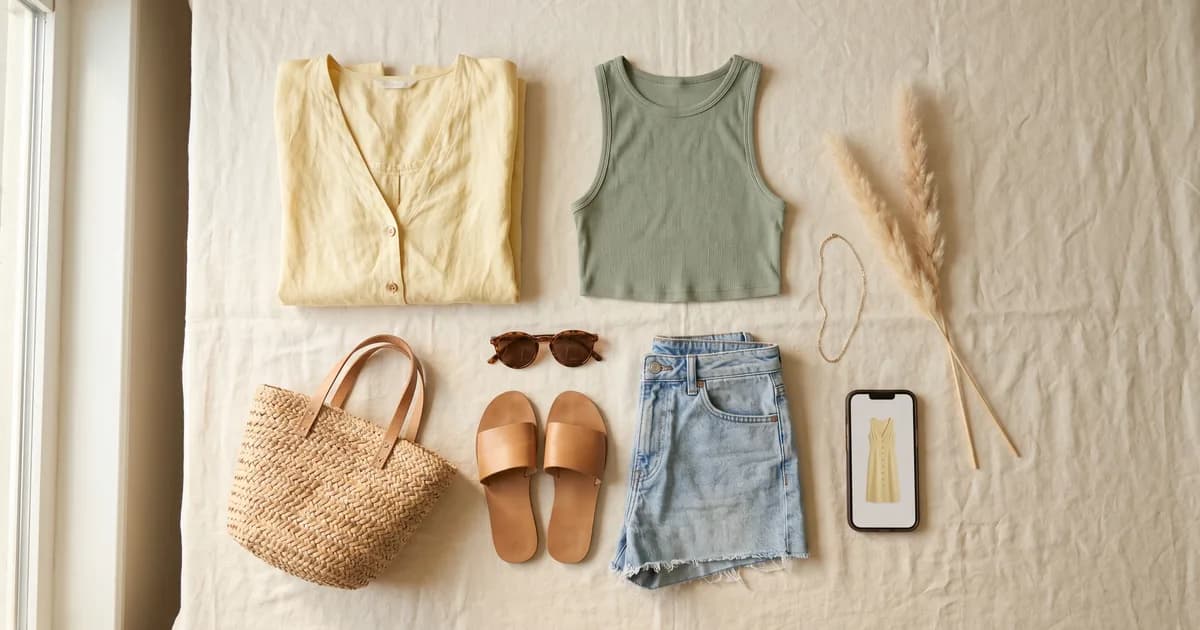
Summer Closet Clear-Out:
Clear out your summer closet in July without a photoshoot: the method to sell your seasonal clothes fast — even from the beach — using AI worn photos.
Read the article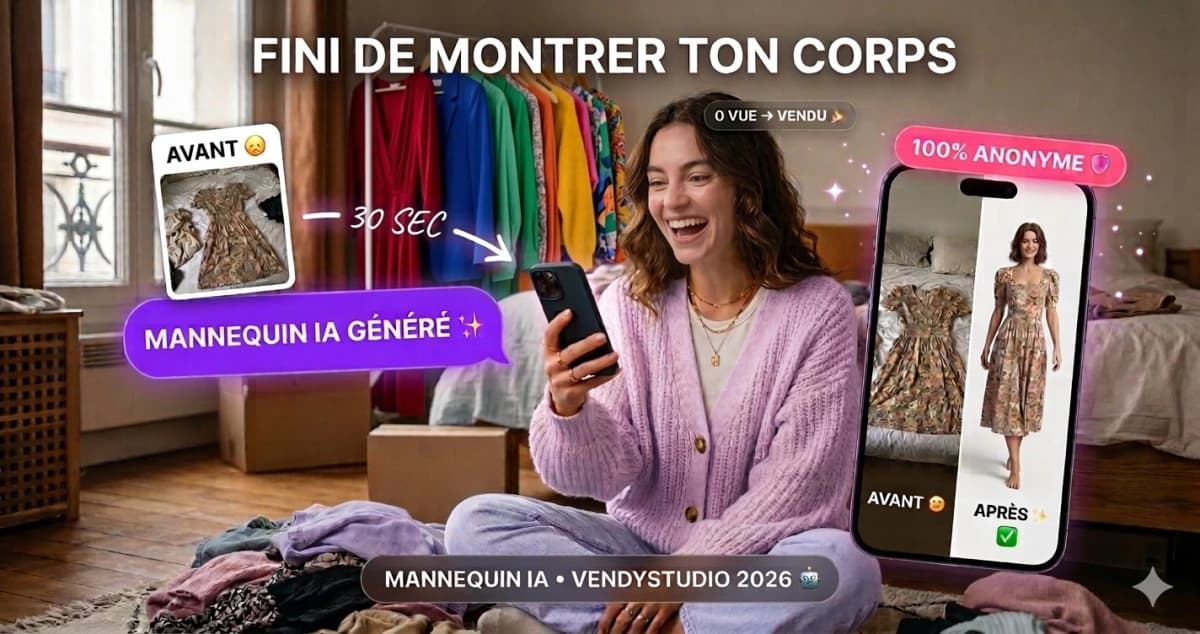
Vinted Modelled Photos by AI:
I tested generalist AIs for my Vinted photos. Straight verdict, a 5-minute method and a secure alternative. 2026 guide by the VendyStudio team.
Read the article
Why I'm No Longer Selling on Vinted?
Shadowban? Unexplained drop in views? Discover the REAL Vinted algorithm criteria and top sellers' hacks to boost your visibility.
Read the article
How to take Vinted photos
White background, natural light, AI mannequin or worn shot: all 2026 techniques for Vinted photos that sell fast. Before/after examples included.
Read the article⚖️ Legal Information & Transparency
Independence: VendyStudio is an independent service. We are not affiliated with Vinted, Beebs, Depop or any other resale platform mentioned in this article.
Results: Performance figures mentioned are based on user feedback and internal research (January 2026). Results may vary.
Responsibility: Always check your platform's terms and conditions before publishing. You are responsible for the content you publish.
Moderation: Platform moderation systems are opaque and may change. VendyStudio cannot guarantee that your photos will be accepted by moderators.
Create a thumbnail that stops the scroll
3 free worn photos to try 👀
Shoot your piece flat-lay, the AI photo studio generates the worn version — your scroll-stopping cover photo — in 30 seconds. For your Vinted, Depop, Beebs listings.